Installing and troubleshooting 9
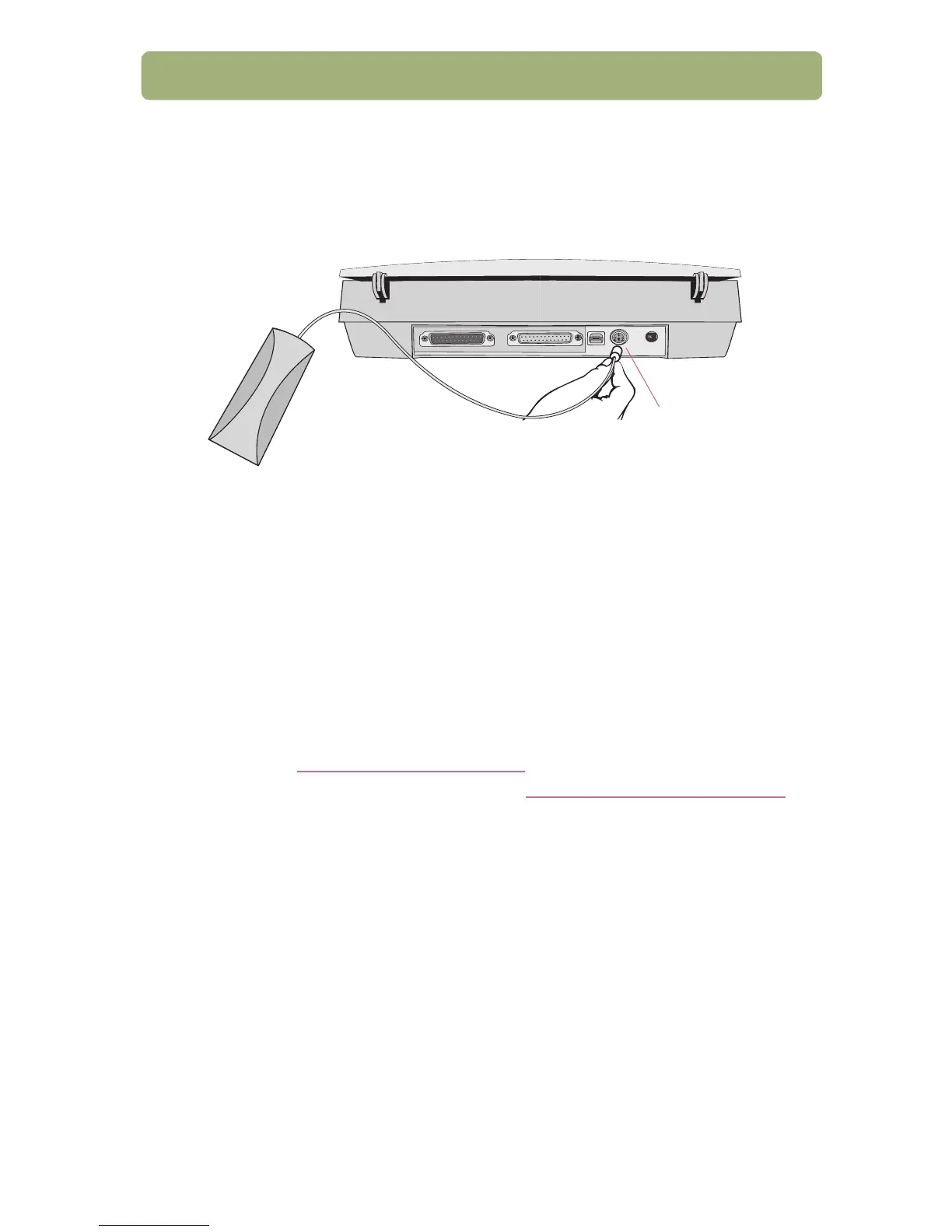
8. Connect the XPA (optional) (some models only)
To scan 35 mm slides or negatives:
a Connect the XPA cable to its port on the scanner.
b If you shut down the computer, restart it now.
c Launch or restart the HP Precisionscan Pro software.
See the user’s manual for usage instructions.
Find help and support
● For product support and specifications, see the "Support, warranty, and
specifications" on page 23.
● For installation troubleshooting, see the information later in this section.
● For more information about your scanner, see the user’s manual.
● For scanning ideas, tips, and optional accessories, visit the HP Scanjet
website at http://www.scanjet.hp.com
.
● For customer support on the Web, visit http://www.hp.com/go/support.
The HP Photo Printing software is available in English only in some countries.
For help in your language, press the Photo Reprint button on the scanner, click
Help, and then click Quick Reference Guide.
XPA port



 To Next Page