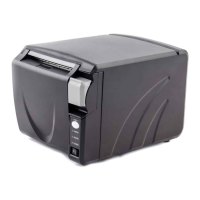
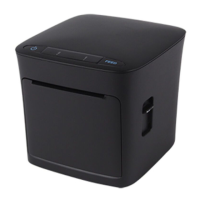
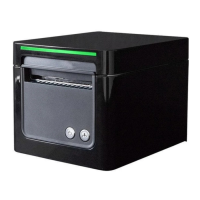
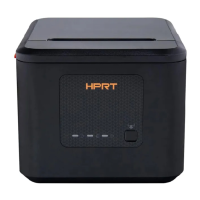
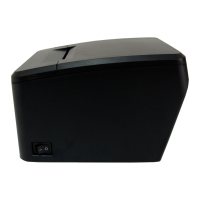
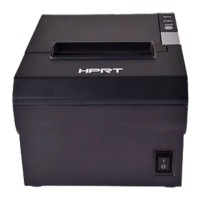
TP808 User Manual
4.4 Interface Cable Connection
1) Make sure the printer's power switch is turned off;
2) Put the interface cable into the matched interface and fixed with screws (or spring) on the plug;
3) Connect the other end of the interface cable to the host.
4.5 Cash Drawer Connection
1) Make sure the printer's power switch is turned off;
2) Connect the cash drawer cable into the cash drawer interface on the rear side of the printer.
Warning:
Cash drawer interface can only be connected to a voltage of 24V cash drawer device (can’t
connect to the phone line, etc.)
4.6 Bluetooth/Wi-Fi Settings
4.6.1 Bluetooth Settings
Default name: BT Printer
Default password: 0000 or 1234
Please refer to the Bluetooth Connection Manual for details
QR code for Bluetooth Connection Manual



 To Next Page