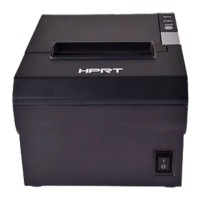
TP808 User Manual
AD Settings:
1 Detect Paper AD Value: click “Read” and you can see the default value is 1614 and cannot be
input.
2 Set AD threshold value: You can input the value, and the ideal value is the AD value plus 300,
that’s 1914, and the default value is 2100.
●
Long Beeping After cutting:
① Disable: there is no sound after cutting
② Use printer buzzer (The beeping time, times and interval time can be set for what you want,
such as 1 milliseconds, 2 milliseconds or 3 milliseconds, etc.):
The following setting is set as an example:
When cutting one piece of paper each time, the printer will emit the “Beep” for one time, and
the beeping time is two milliseconds and beeping interval is three milliseconds.
Note: 100ms=0.1s, 1s=1000ms
● Buzzer Volume:
The “Very Low” is the minimum sound, and the “Loud” the maximum sound. You can select a
volume level and click "Setting" to print (Default: "Standard" level).



 To Next Page