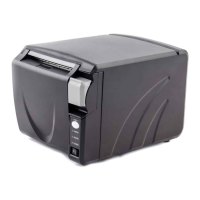
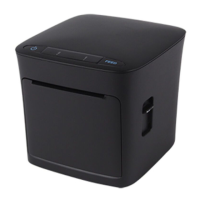
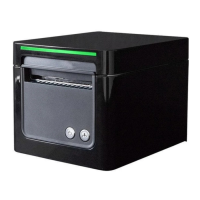
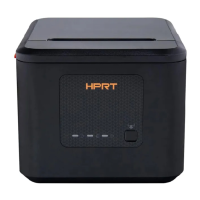
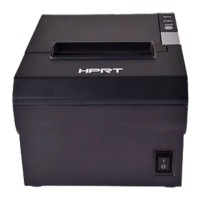
TP808 User Manual
● Click “Scan”, choose a connectable “hot spot” from SSID options. type in the password of
Wi-Fi that you want to connect to.
● Click “Set”. After it is set successfully, the printer would restart automatically.
The SSID name that is chosen after scanning “hot spot”
Enable/Disable dynamic allocation of IP
When DHCP is at Enable status, IP address will be allocated
automatically, no need to do the setting;
When DHCP is at Disable status, IP address must be set to the
same LAN with the Wi-Fi that you connect to
When DHCP is at Enable status, default gateway will be allocated
automatically, no need to do the setting;
When DHCP is at Disable status, default gateway can be input
When DHCP is at Enable status, subnet mask will be allocated
automatically, no need to do the setting;
When DHCP is at Disable status, subnet mask can be input



 To Next Page