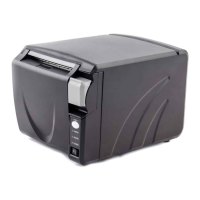
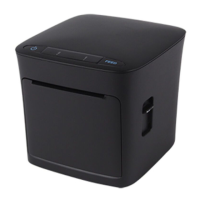
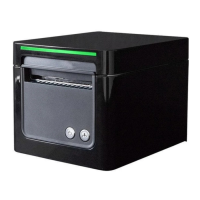
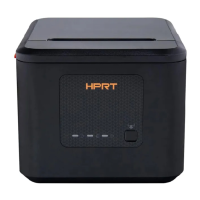
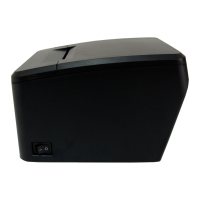
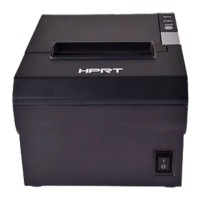
TP808 User Manual
(5) Choose the matched type and port (USBxxx is for USB port, COMx is for serial port, LPTx is for
parallel port). Choose the type and port of driver, such as “COM1” as port. Click “Next”.
NOTE: If printer is already connected with computer by USB port, it only needs to click “Install”,
then it will be installed automatically. Otherwise, proceed to the next step.



 To Next Page