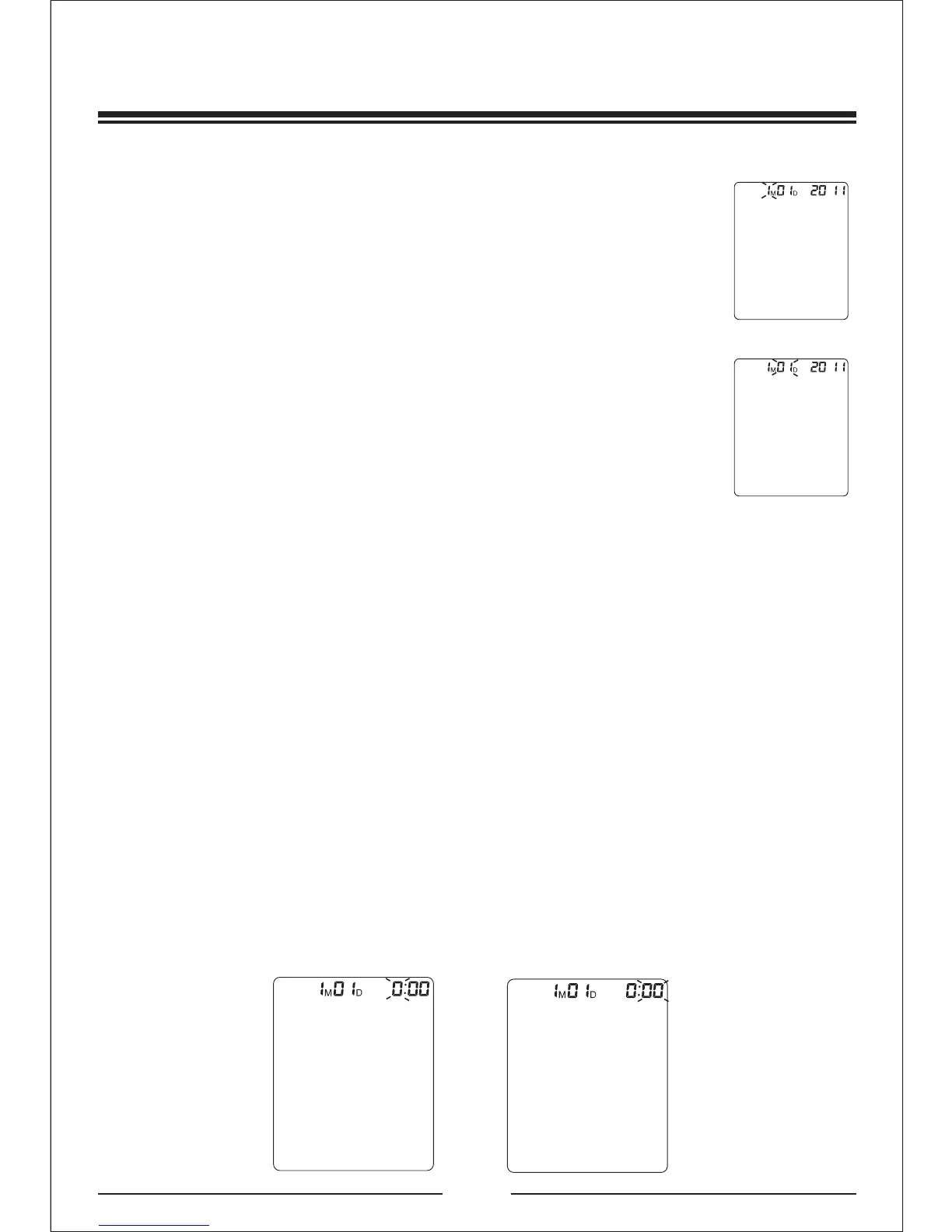
3.Month and date setting
4.Time setting:
Continue to above step, the screen will display xxMxxD
and xxxx, and keep flashing on month ,the digit will
increase 1 when press button + each time, and decrease
1 when press button - each time, you could choose from
1 to 12.Press button SET when you confirm the month,
then it will set the date. Same as the month setting ,
each time you press button + ,the digit will increase 1,
or press button -, the digit will decrease 1, you could
choose from 01 to 31.Press button SET when you confirm the date,
then it will enter into the time setting mode.
Continue to above step, the screen will display xxMxxD and
xx:xx,and keep flashing on the digits of hour, the digit will increase
1 when press button + each time, and decrease 1 when press
button - each time, you could choose from 0 to 23.Press button
SET when you confirm the hour, then the digits of minute start to
flash ,same as the hour setting ,each time
from 00 to 59.Press button SET when you confirm
the minute, then the total setting mode is completed.
you press button + ,the
digit will increase 1, or press button -, the digit will decrease 1, you
could choose
Proper use of the unit
11/25
hour setting
minute setting
Date setting
Month setting


 To Next Page