8 Profi Pack 425 04/2013
english
• To remove material when there`s
a fault, set the main switch to
position “R”.
Cutting unit moves backwards.
For all other malfunctions, check whether
the motor was overloaded before contacting
our customer service. Let the device cool
down for approx. 15 – 20 mins. before using
it again.
0
I
R
6 Fault elimination
Switching on
• Set main switch to position „I“.
Cutting unit starts.
Feeding cardboard boxes
0
I
R
5 Operation
•
Cardboard boxes are processed up to a
width of 425 mm.
• Wider cardboard is automatically cut.
Switching off
• Set main switch to position „0“.
Cutting unit stops.
0
I
R
425 mm
1
3
2
5
4
4
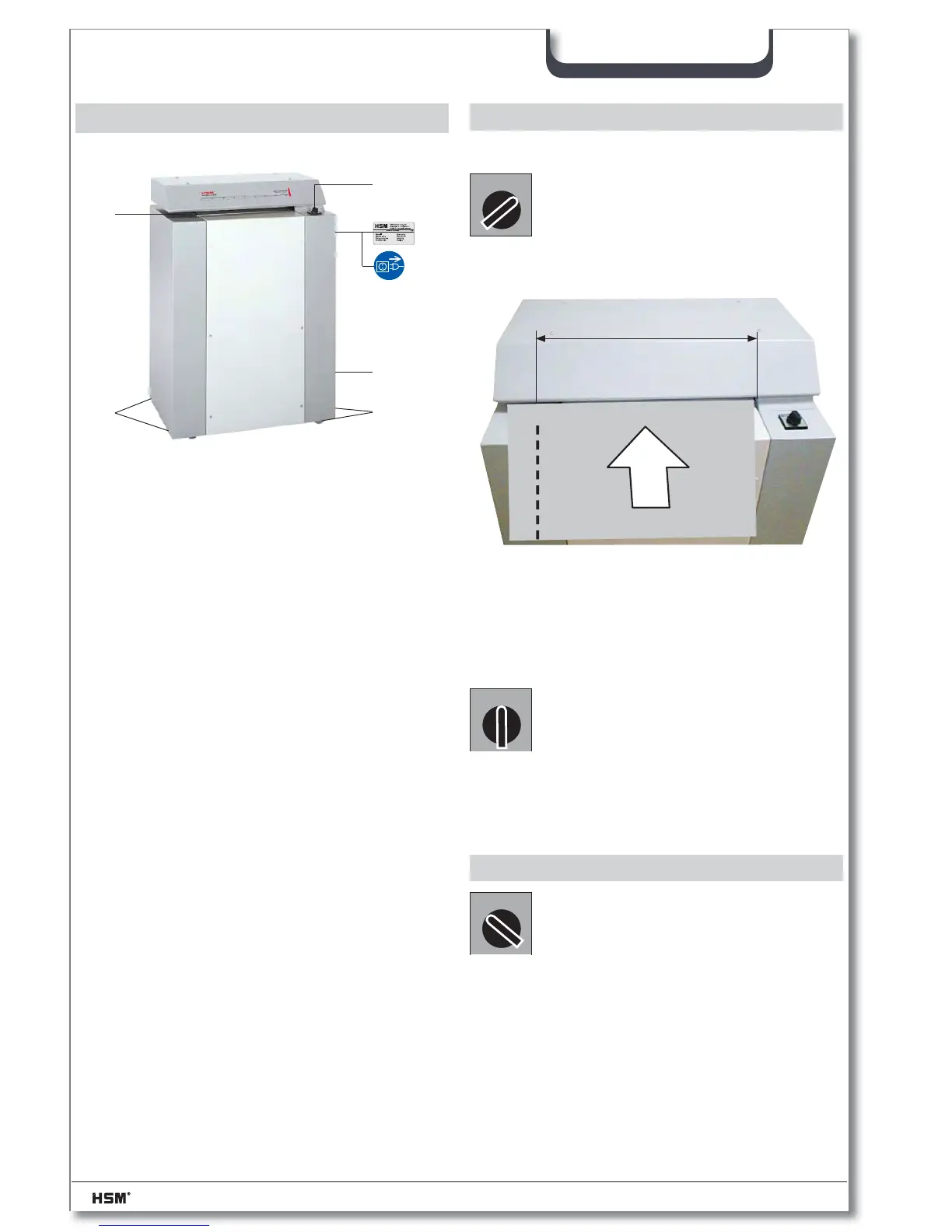
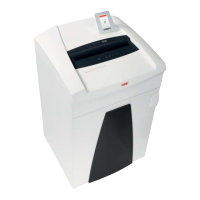
4 Overview
1 Feed opening
2 Main switch
3 Caution label
4 Roller
5 Connection for suction device
Note:
The HSM Profi Pack 425 can also be
supplied with a built-in suction device.
Using a suction device (industrial vacuum
cleaner with a connection diameter
of 50 mm) you can extract dust while
processing the cardboard.
If your device does not have this apparatus,
you can fi t the components later when
needed. Your Profi Pack 425 is already
ready for this.
Profi Pack conversion kit:
Order number 1.531.200.000
Wet/dry suction:
Order number 1.531.200.030



 To Next Page