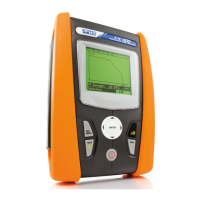
HT3300
EN - 6
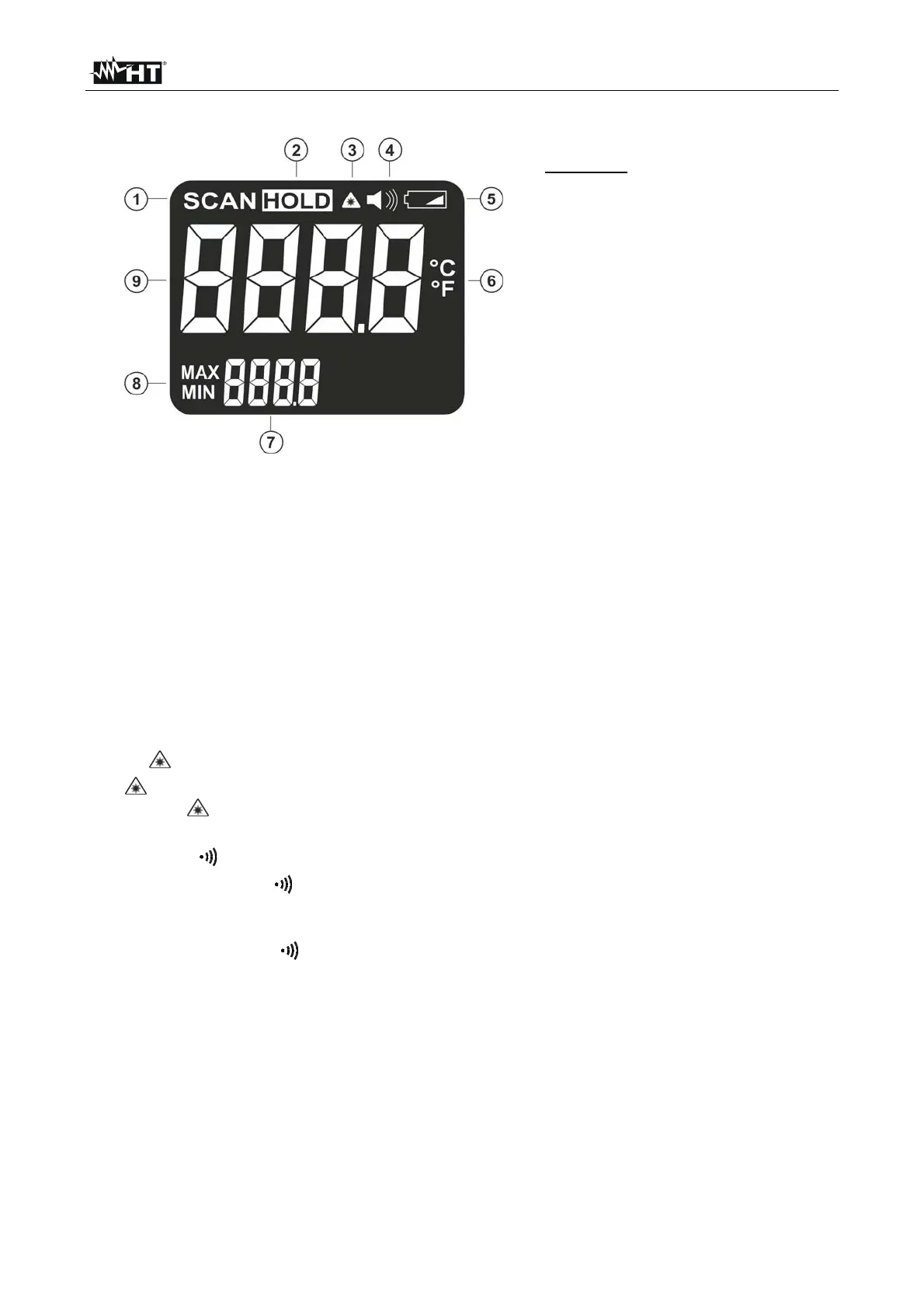
4.2. DESCRIPTION OF THE DISPLAYED SYMBOLS
CAPTION:
1. Measurement activation
2. Data HOLD
3. Laser pointer activation
4. Buzzer activation
5. Battery charge level
6. °C/°F symbol
7. Secondary display
8. Active MAX, MIN functions
9. Main LCD display
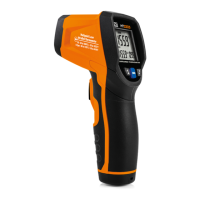
Fig. 3: LCD display description
4.3. DESCRIPTION OF FUNCTION KEYS
4.3.1. Trigger key T
The Trigger key T (see Fig. 1 – part 6) allows the following operations:
Switching on the instrument and activating measurement by continuously pressing
(“SCAN” symbol on display)
Automatic switching of the HOLD mode (data fixed on display) when releasing after
measurement
4.3.2. key
The
key allows the activation/deactivation of the double laser pointer by pressing trigger
key T. The “ ” symbol (see Fig. 3 – part 3) is displayed
4.3.3. °C/°F/ key
Simply pressing °C/°F/
key allows activation/deactivation of the acoustic buzzer (see Fig.
4 – part 4) associated to MAX and MIN measurements performed by the instrument by
pressing trigger T key
Long pressing of °C/°F/ key allows selection of “°C” (Celsius) or “°F” (Fahrenheit) units
4.3.4. MAX/MIN key
Pressing MAX/MIN key allows selection of Maximum value (“MAX” symbol on display) or
Minimum value (“MIN” symbol on display) in the secondary display (see Fig. 3 –part 7) by
pressing trigger T key


 To Next Page