Capturing the HTC Desire 200 screen
Want to show off your high game score, write a blog post about HTC Desire 200
features, or post a status update about a song you're playing? It's easy to take a
picture of the screen and share it from Gallery.
Press and hold POWER and then press . The screen is saved in the Camera shots
album in Gallery.
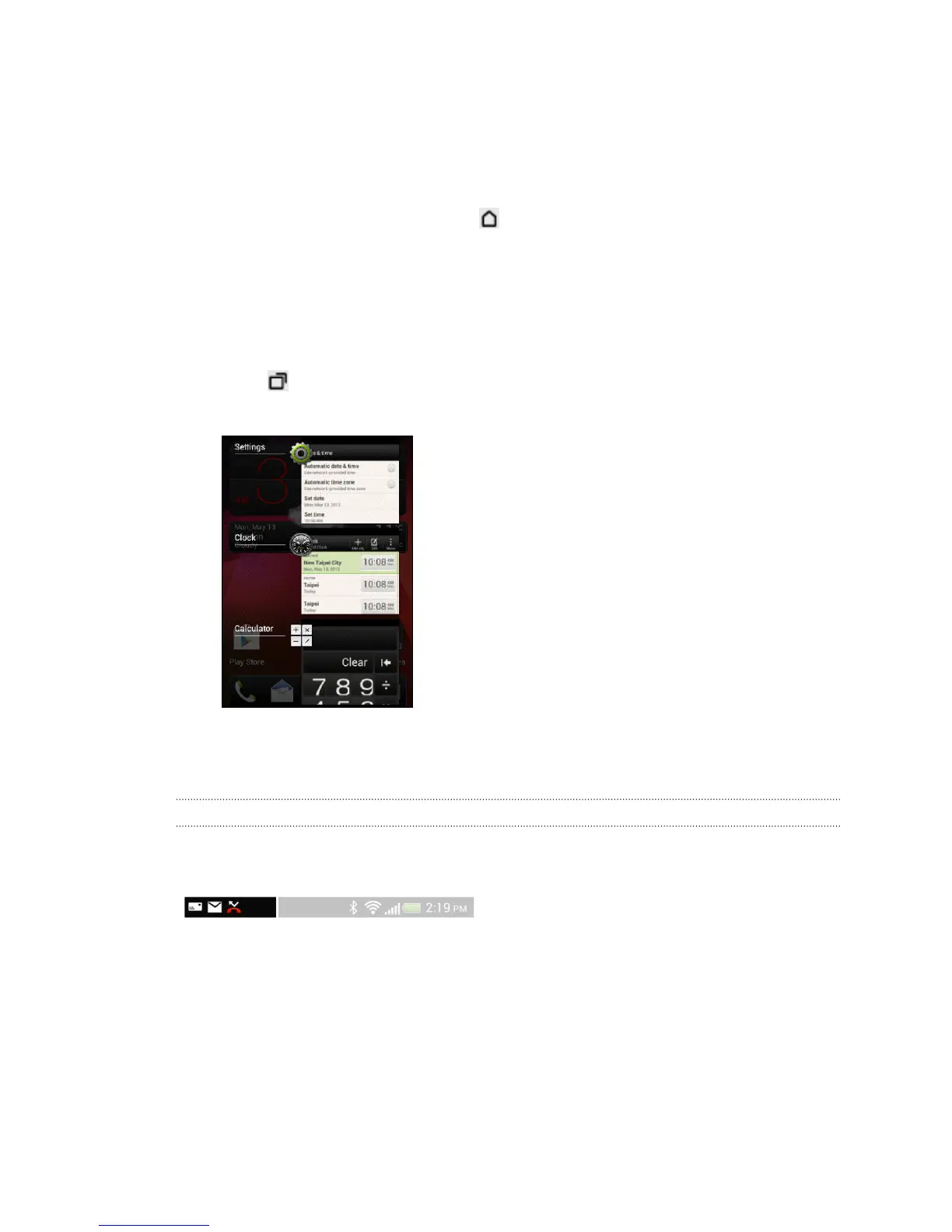
Switching between recently opened apps
You can easily access apps you've just recently opened.
1. Press .
2. Slide your finger up or down to see recently-opened apps.
§ To remove an app from the list, drag it left or
right.
§ To switch back to an app, just tap it.
Notifications
Notification icons
Notification icons on the status bar make it easy for you to keep on top of your
messages, calendar events, and alarms.
22 Your first week with your new phone


 To Next Page