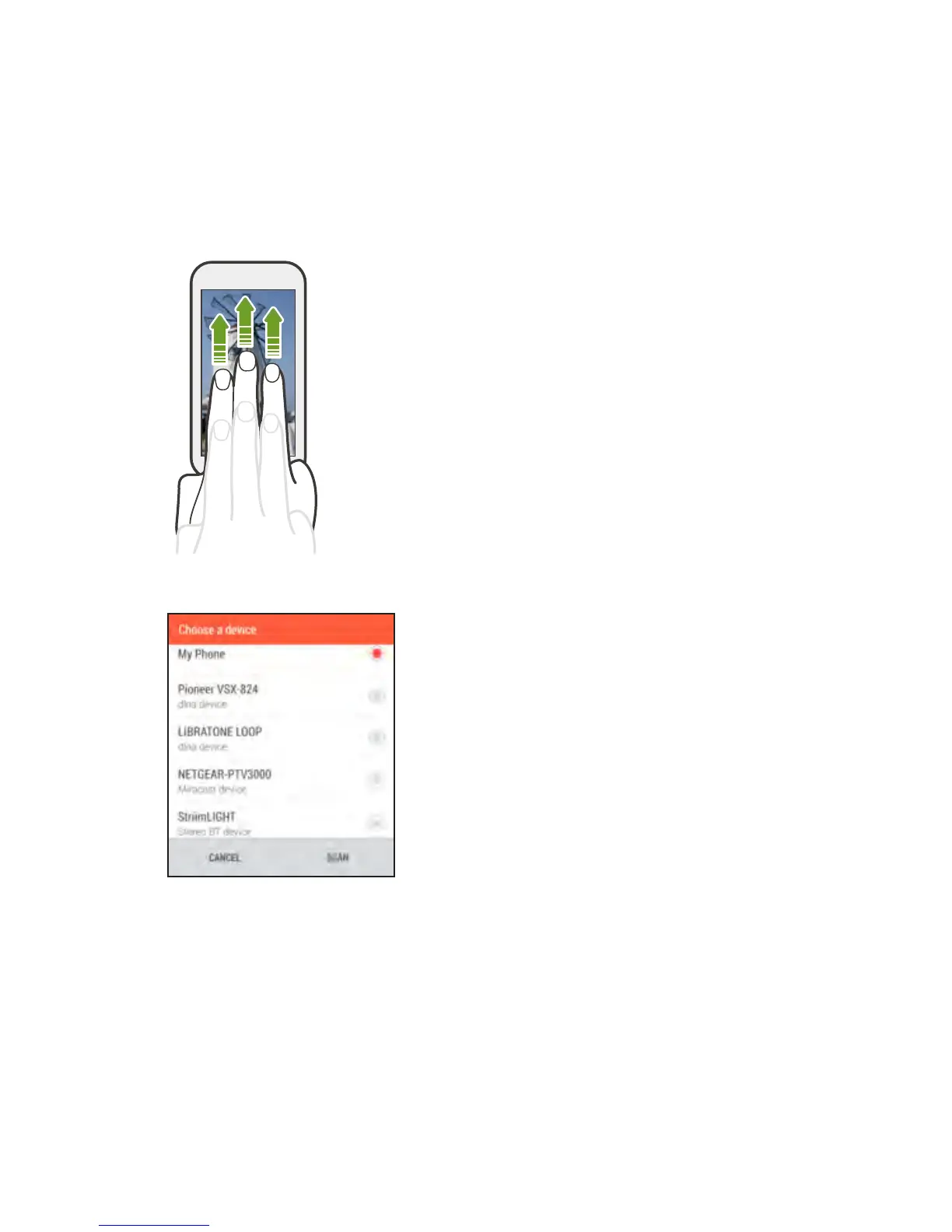
2. Swipe up with three fingers on the screen.
3. Choose the device you want to connect to.
4. Once connected, use your phone to control the volume, pause or
resume playback, and more.
5. To stop wireless media sharing and disconnect from the device,
swipe down with three fingers on the screen.
Entertainment 151



 To Next Page