Sharing content
Have something to share, such as a photo or video?
§ In an app, just tap the share icon: or .
§ If you don't see the icon, tap > Share.
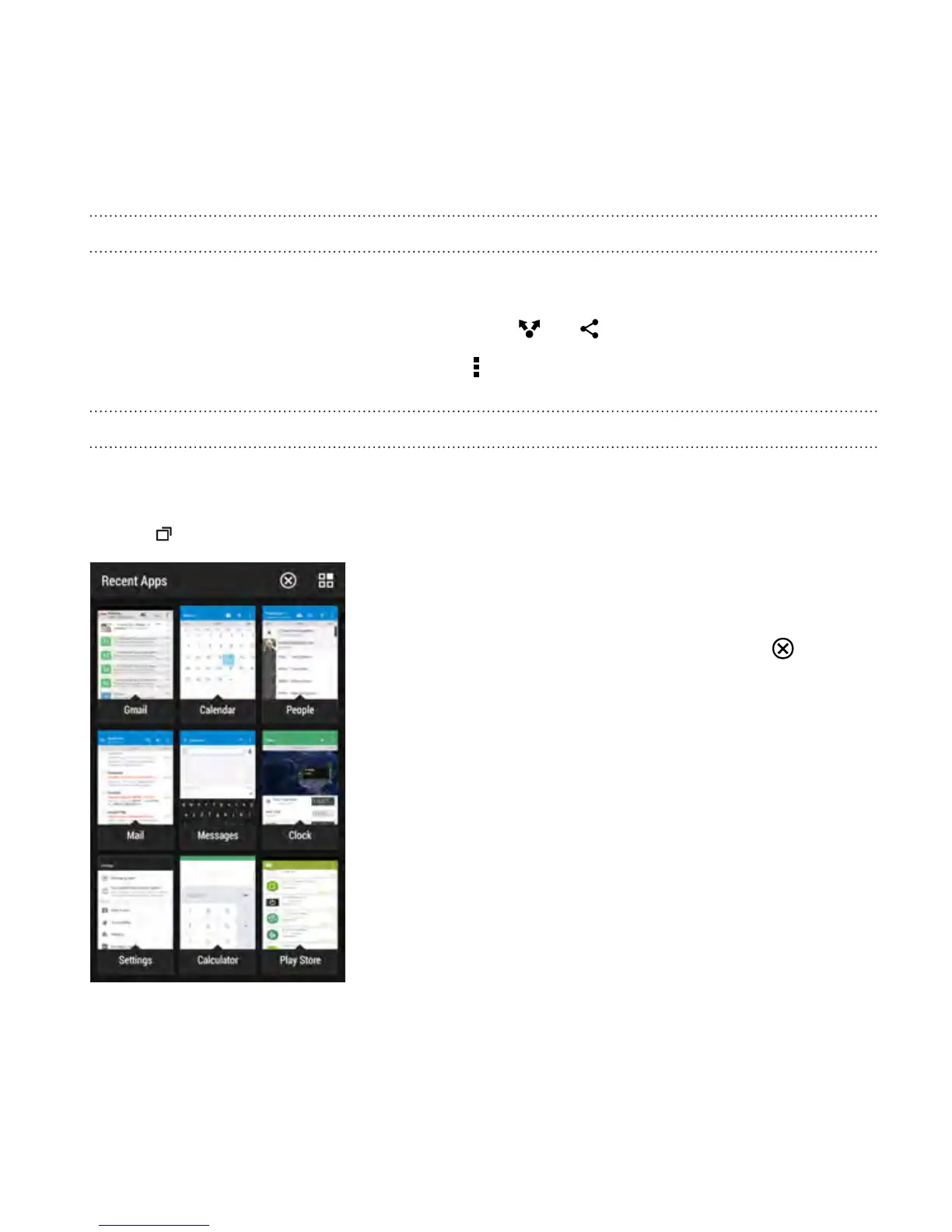
Switching between recently opened apps
When you're multitasking and using different apps on HTC Desire 612, you
can easily switch between the apps you've recently opened.
Press to see recently-opened apps.
§ To switch back to an app, just tap it.
§ To remove an app from the list, drag it up.
§ To clear the recent apps list, tap .
Your first week with your new phone 53



 To Next Page