Entering text with word prediction
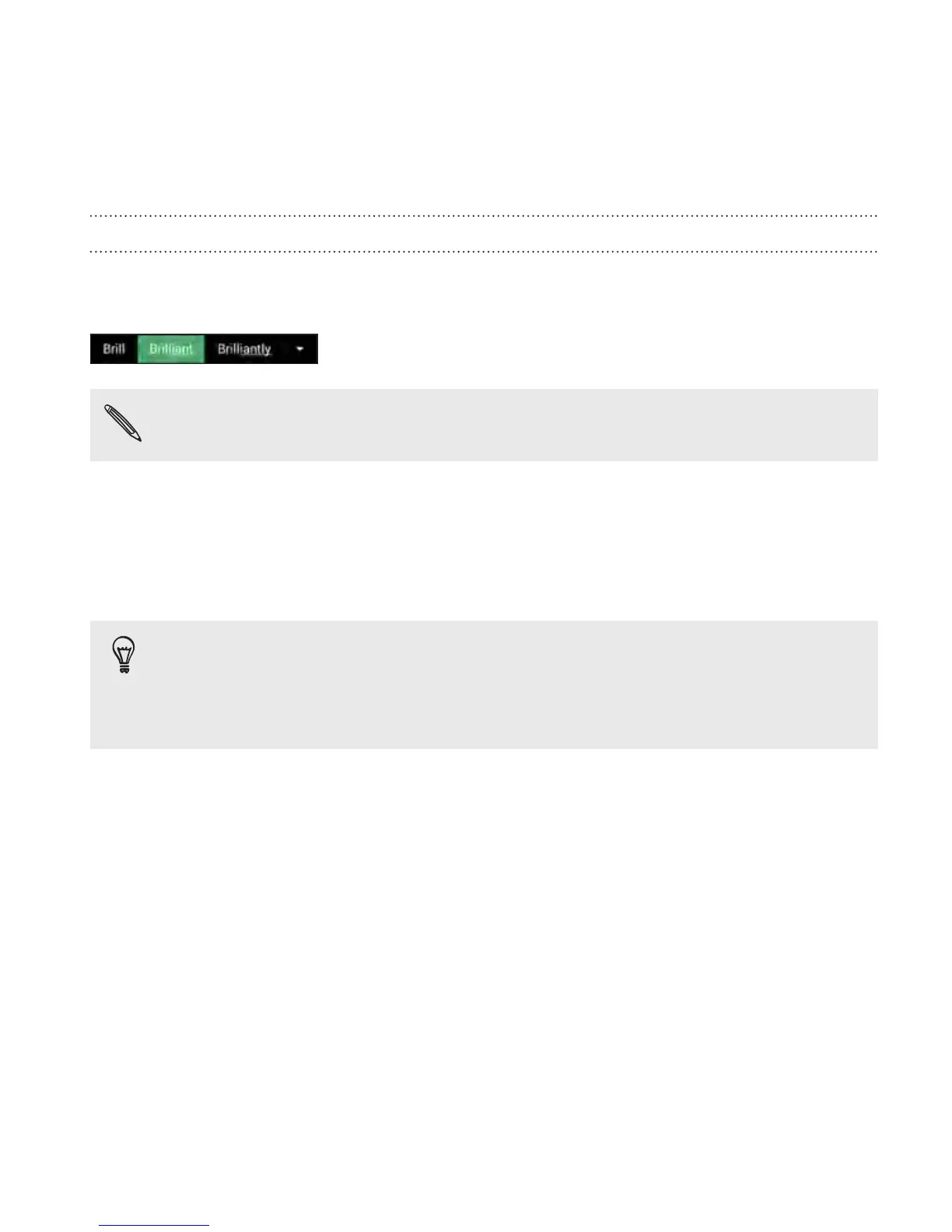
Ever started typing something you weren't sure how to spell? With word
prediction, you'll see suggested words displayed just above the keyboard.
Word prediction and next word prediction are enabled by default.
To enter text in word prediction mode, do any of the following:
§ Tap the space bar to insert a highlighted word in the suggestion list.
§ Tap a word from the suggestion list.
§ Tap the arrow next to the suggestion list to see more choices.
In some keyboard languages such as English and Spanish, if you've
accidentally chosen a wrong word from the suggestion list, you
can go back and change it by tapping the word and selecting
another suggestion.
Your first week with your new phone 67



 To Next Page