2. Phone Connection
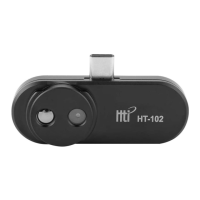
Insert the thermal imager into your phone and the “Thermal
Viewer” software will be opened automatically. If your phone
doesn't have USB Type C interface, please use original
adapter for conversion.
3. Center Point Temperature
As shown in the figure, the upper right corner shows the
temperature value of display area's center point.


 To Next Page