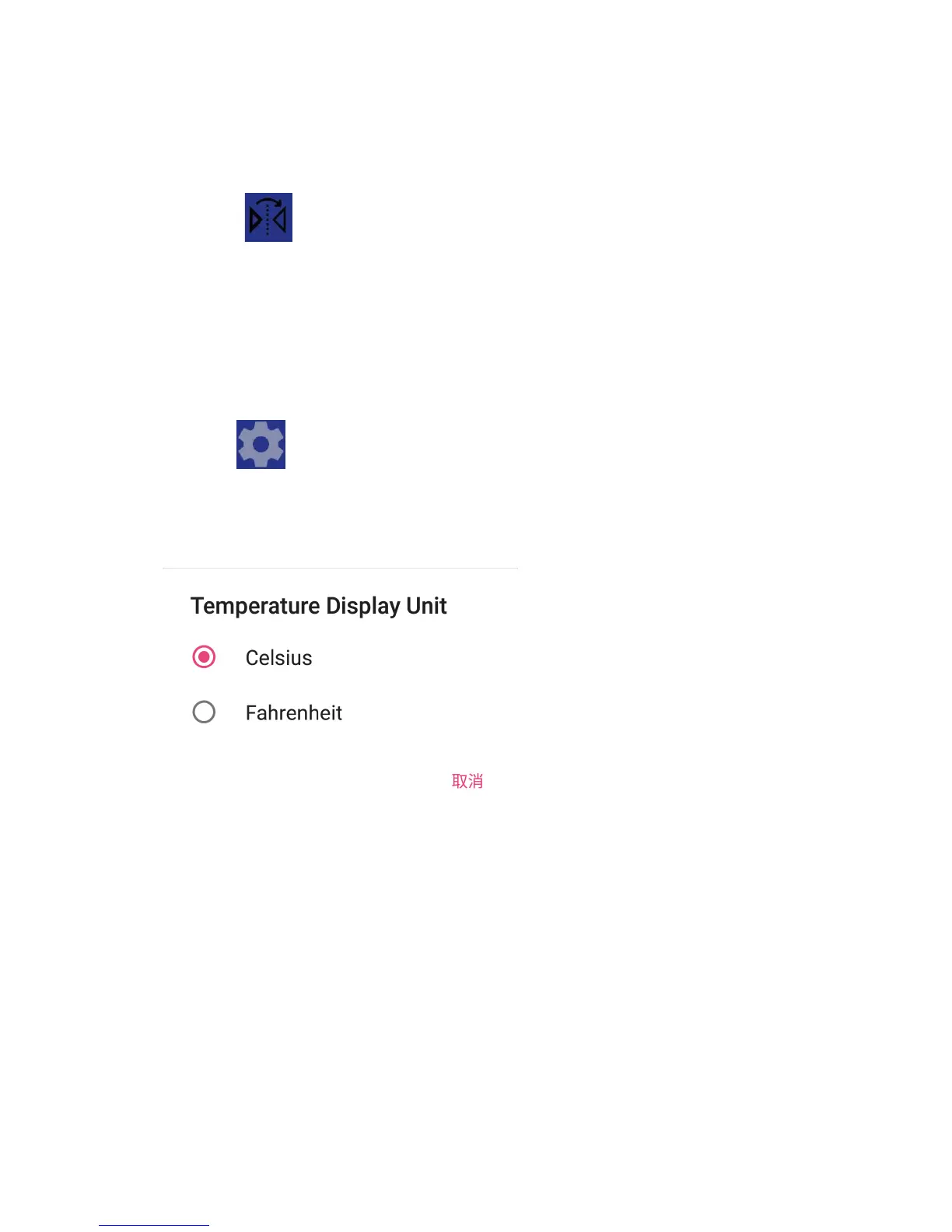
7. Temperature Unit Setting
Click the “ ” button at the top right of the screen to open
the setting interface, click “Temperature Display Unit”, and
select one of the units in the pop-up dialog box as shown
6. Mirroring
Click the ‘’ ” button at the top left of the screen, and the
image effects of the left side and right side will be interchanged.


 To Next Page