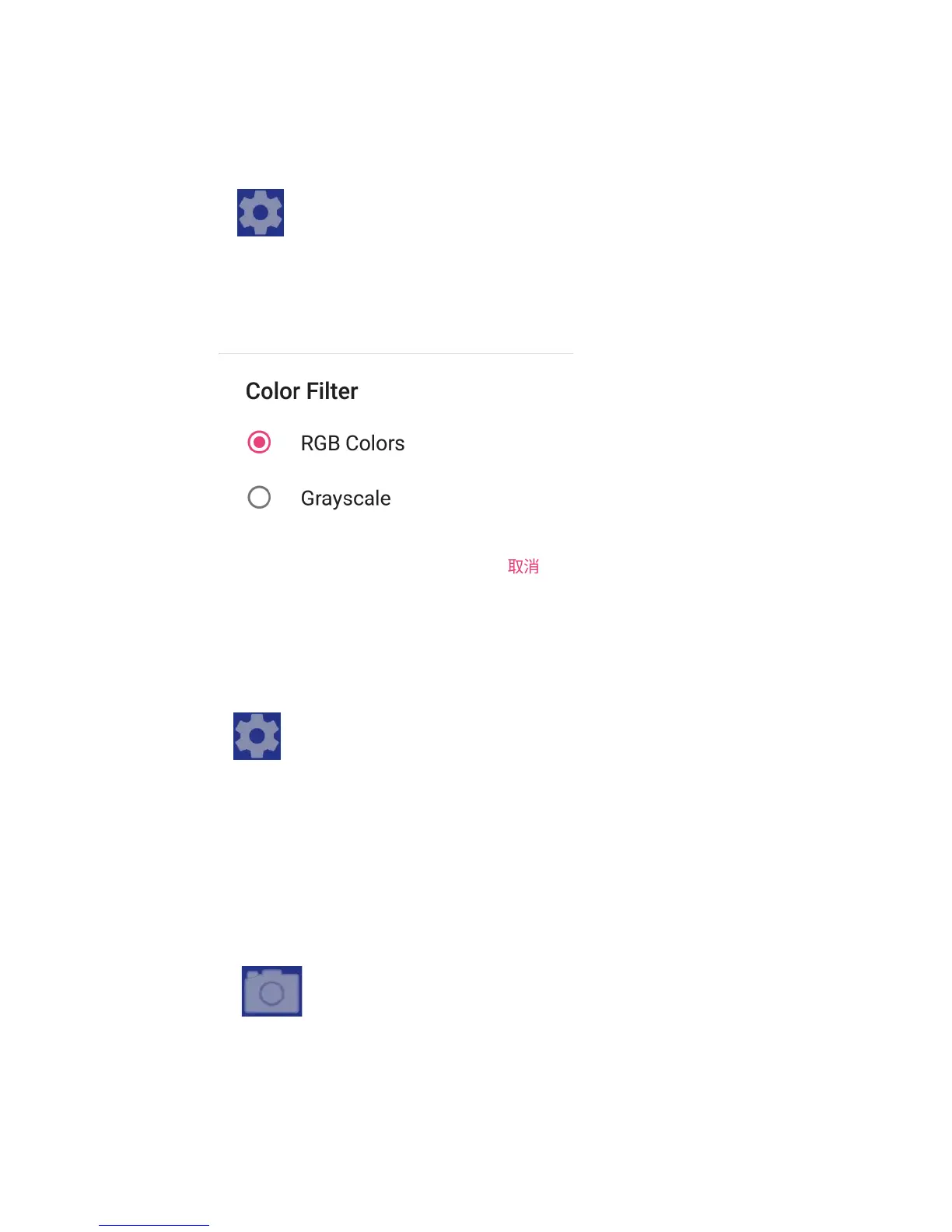
8. Palette Setting
Click the “ ” button at the top right of the screen to open
the setting interface, click “Color Filter”, and select one of the
palettes in the pop-up dialog box as shown below.
9. Face Detection On/off
Click the “ ” button at the top right of the screen to open
the setting interface, click “Face Detection”, and select “Face
Detection On” or “Face Detection Off” in the pop-up dialog box.
10. Taking Photo
Click the “ ” button at the bottom of the screen to take
photo and the image will be automatically saved to your phone.


 To Next Page