2
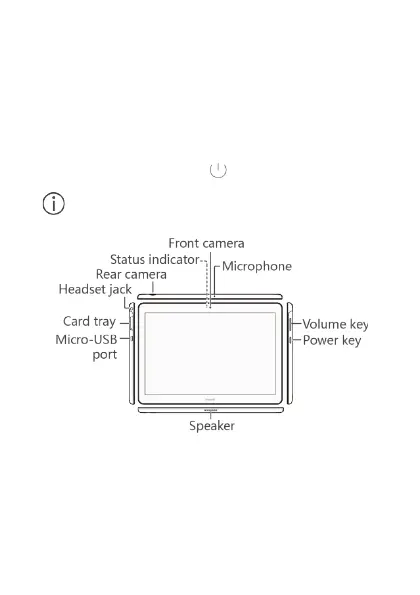
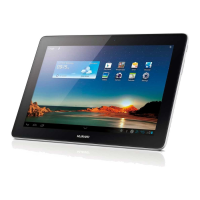
1 Your device at a glance
Before you start, let's take a look at your new device.
To power on your device, press and hold the power
button until the screen turns on.
To power off your device, press and hold the power
button, and then touch .
To force your device to restart, press and hold the
power button until your device vibrates.
2 Getting started
Follow the instructions in the following figures to set up
your device.








 To Next Page