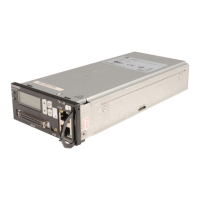
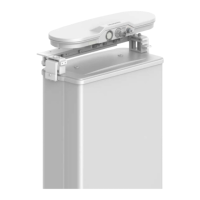
AISU
Issue 02 (2017-06-12)
Huawei Proprietary and Confidential
Copyright © Huawei Technologies Co., Ltd.
18
4.2 Daisy-Chain Installation Scenario
In daisy-chain mode, the AISU is connected to an antenna with an RAE device and controlled
by the port of a sector. Besides the AISU, other RAE devices are configured.
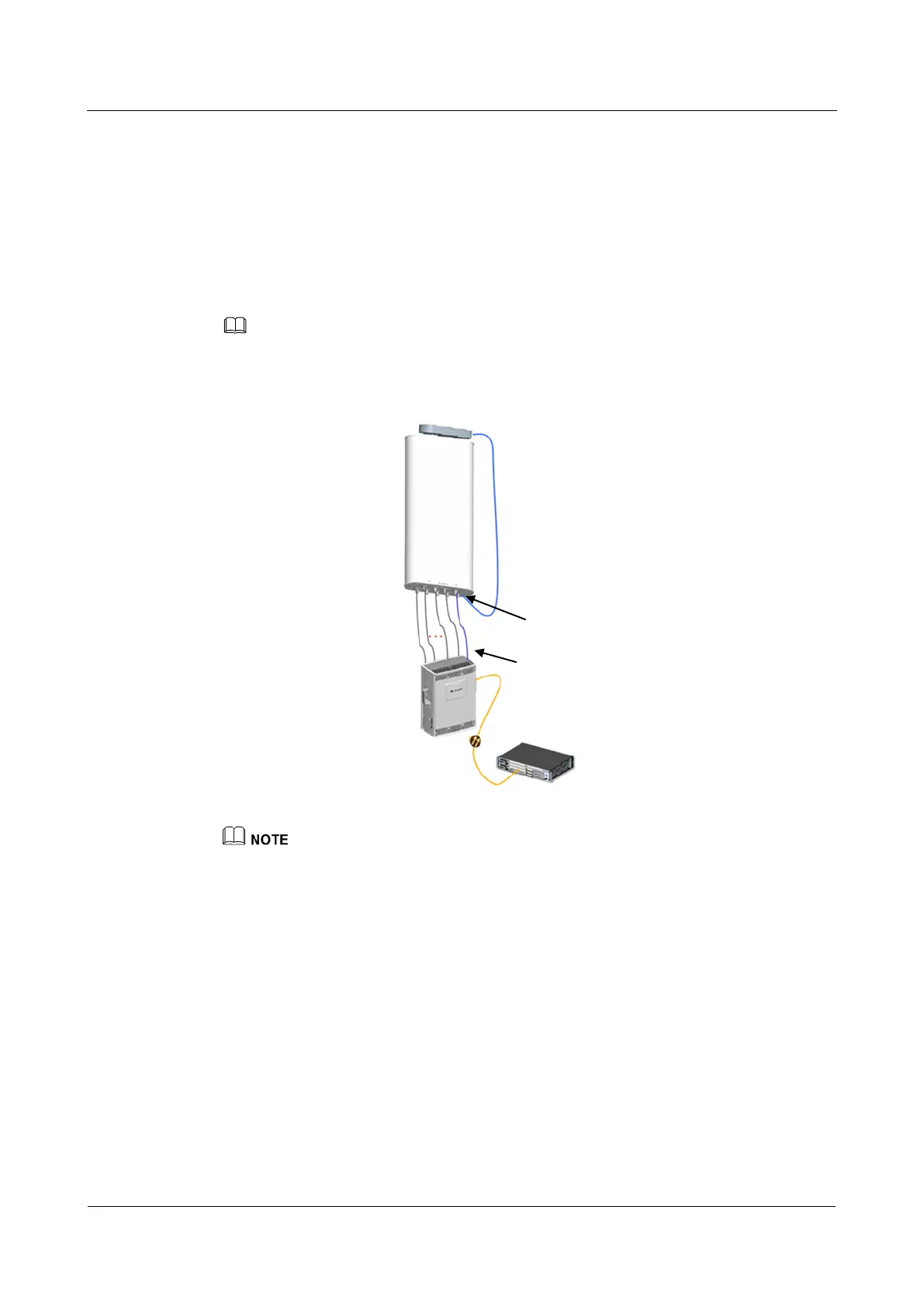
If an AIMM with the RAE function is connected to an AISU (as shown in Figure 4-5),
check whether the cascading mode configured for the AIMM is consistent with the actual
cascading mode. For details about how to change and query the cascading mode, see Smart
Antenna LTE TDD Configuration Guide.
The AISU can be used only when MET antennas in LTE TDD mode are upgraded to RET antennas
Figure 4-5 AISU connected to an antenna with an RAE device
This scenario applies only to the AIMM with the hardware version of WD81MANARCU_VER.B and
software version of V400R002C02SPC101 or later.
AISG Cable
BBU
AISU
AISG part
Jumper
RRU
Internal RAE


 To Next Page