English
1
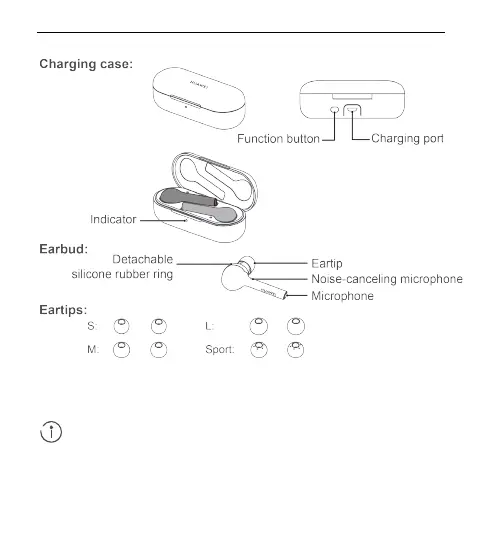
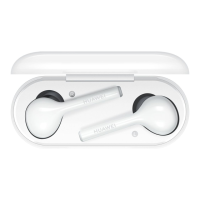
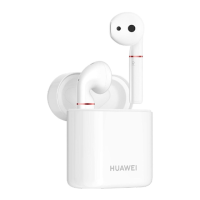
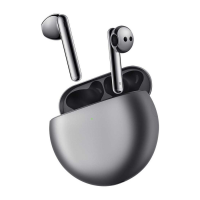
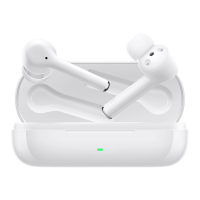
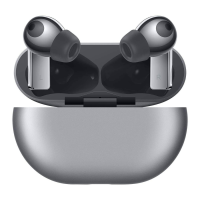
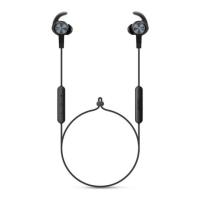
Appearance
● Comes with three pairs of detachable eartips in Small, Large, and Sport sizes.
● Comes with one pair of detachable silicone rubber rings (one for each side).
Power on
Power on your charging case to power on your FreeBuds.
Place your FreeBuds in the charging case, open the charging case, and
then press and hold the Function button for 2 seconds until the indicator
turns on and flashes blue. Your charging case and FreeBuds are now
powered on and in Pairing mode. If the indicator does not turn on, please
charge your charging case and try again.





 To Next Page