13
Configuring the Network Connection
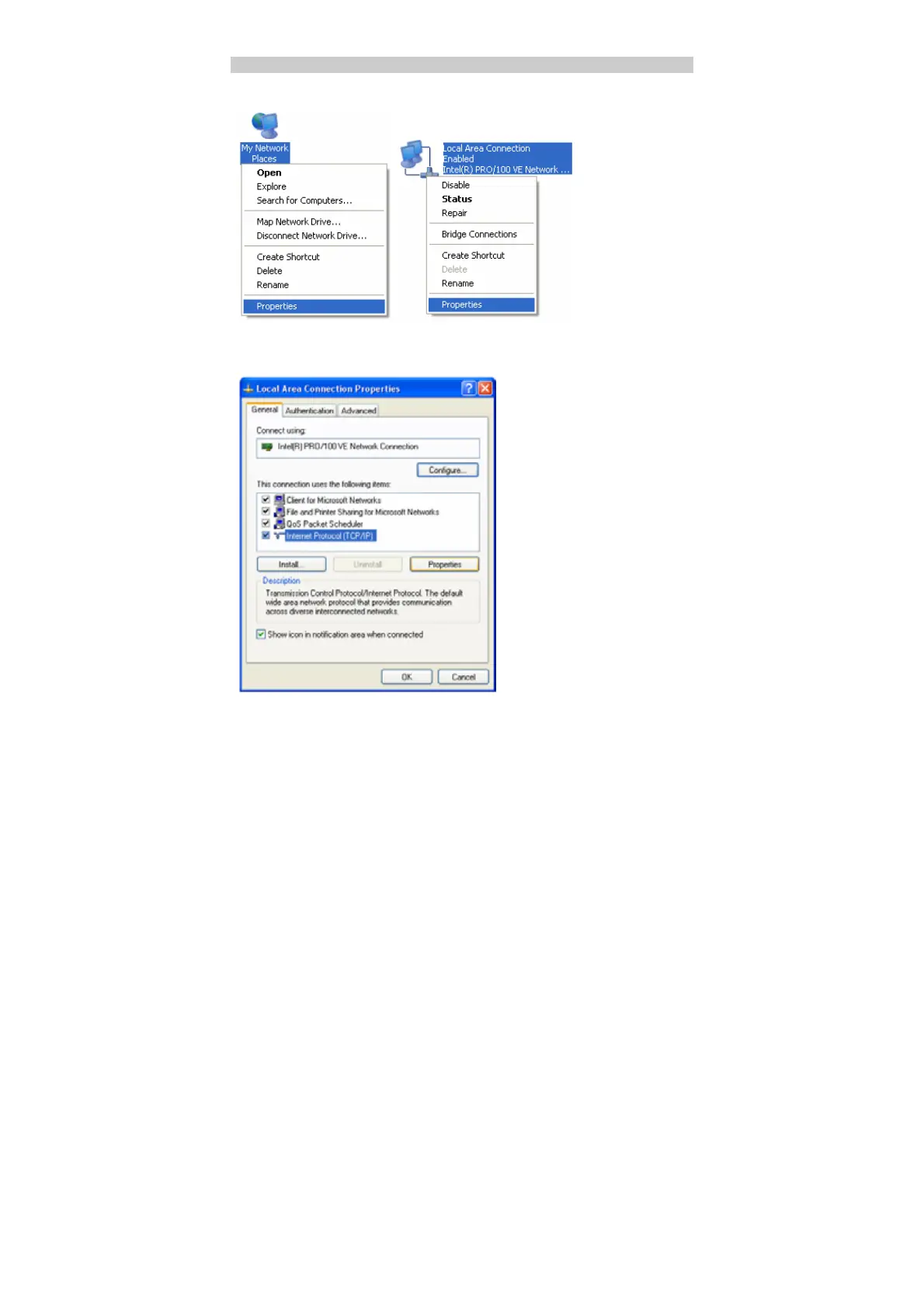
1. Choose My Network Places > Properties > Local Area Connection.
2. Right-click the Local Area Connection icon and select Properties.
3. In the Local Area Connection Properties dialog box, select Internet Protocol
(TCP/IP) in the This connection uses the following items list box, and then
click Properties.



 To Next Page