14
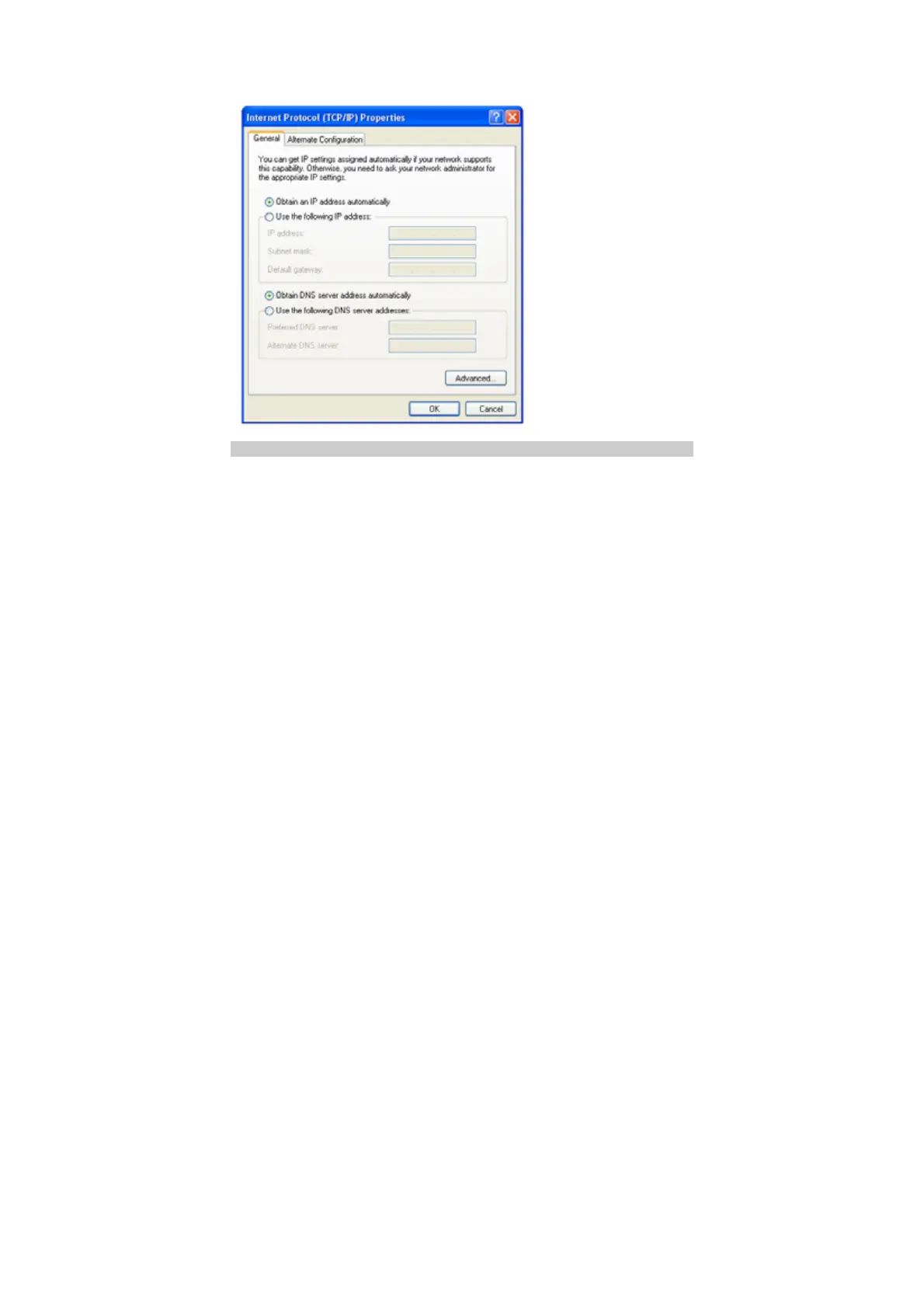
4. In the Internet Protocol (TCP/IP) Properties dialog box, select Obtain an IP
address automatically and Obtain DNS server address automatically, and
then click OK.
Disabling Proxy Settings
1. Start the IE browser, and then choose Tools > Internet Options.
2. Select the Connections tab, and then click LAN Settings.
3. In the LAN Settings dialog box, deselect Use a proxy server for your LAN.



 To Next Page