EasyManua.ls Logo

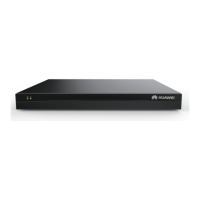
Huawei DEC6108 - Front and Rear View of the Device; Front View; Rear View; Packing List

Huawei DEC6108
8 pages
Print Icon
To Next Page IconTo Next Page
To Previous Page IconTo Previous Page
Loading...
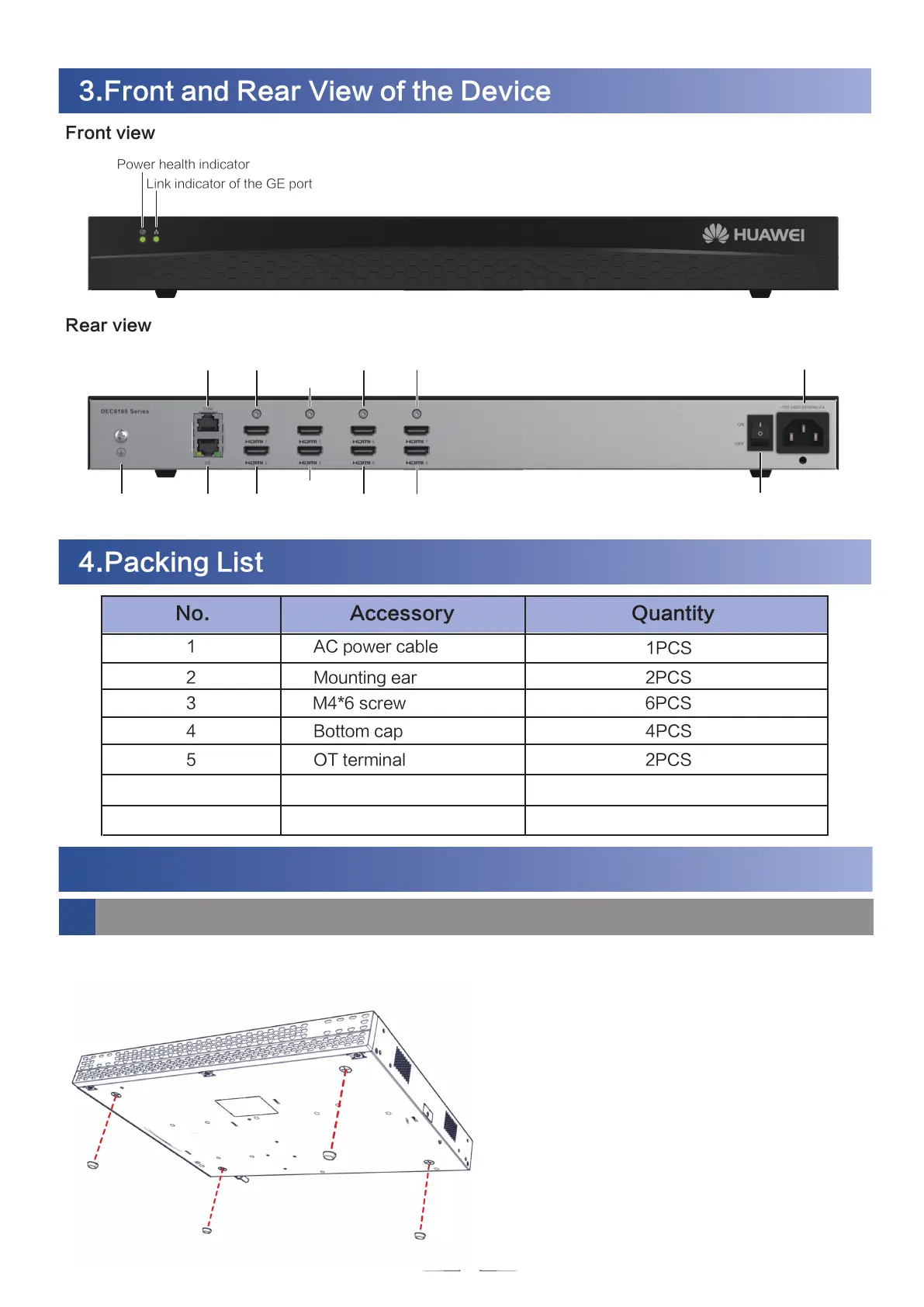
3.Front and Rear View of the Device
3
Front view
Rear view
5.
Device Installation
5.1 Desktop Installation
Stick and fix four bottom caps at the bottom of the device, as shown in the following figure. Then
place the device horizontally on a desktop.
4.Packing List
AC power cable
1PCS
Mounting ear 2PCS
Bottom cap 4PCS
M4*6 screw 6PCS
OT terminal
Quick Start
2PCS
1PCS
No.
1
2
3
4
5
6
Accessory Quantity
Power health indicator
Link indicator of the GE port
Power cable retention clip 1PCS 7
Ground
terminal
COM port
GE port
HDMI1
Power button
Power port
HDMI2
HDMI3
HDMI4
HDMI5
HDMI6
HDMI7
HDMI8

Related product manuals