3
4
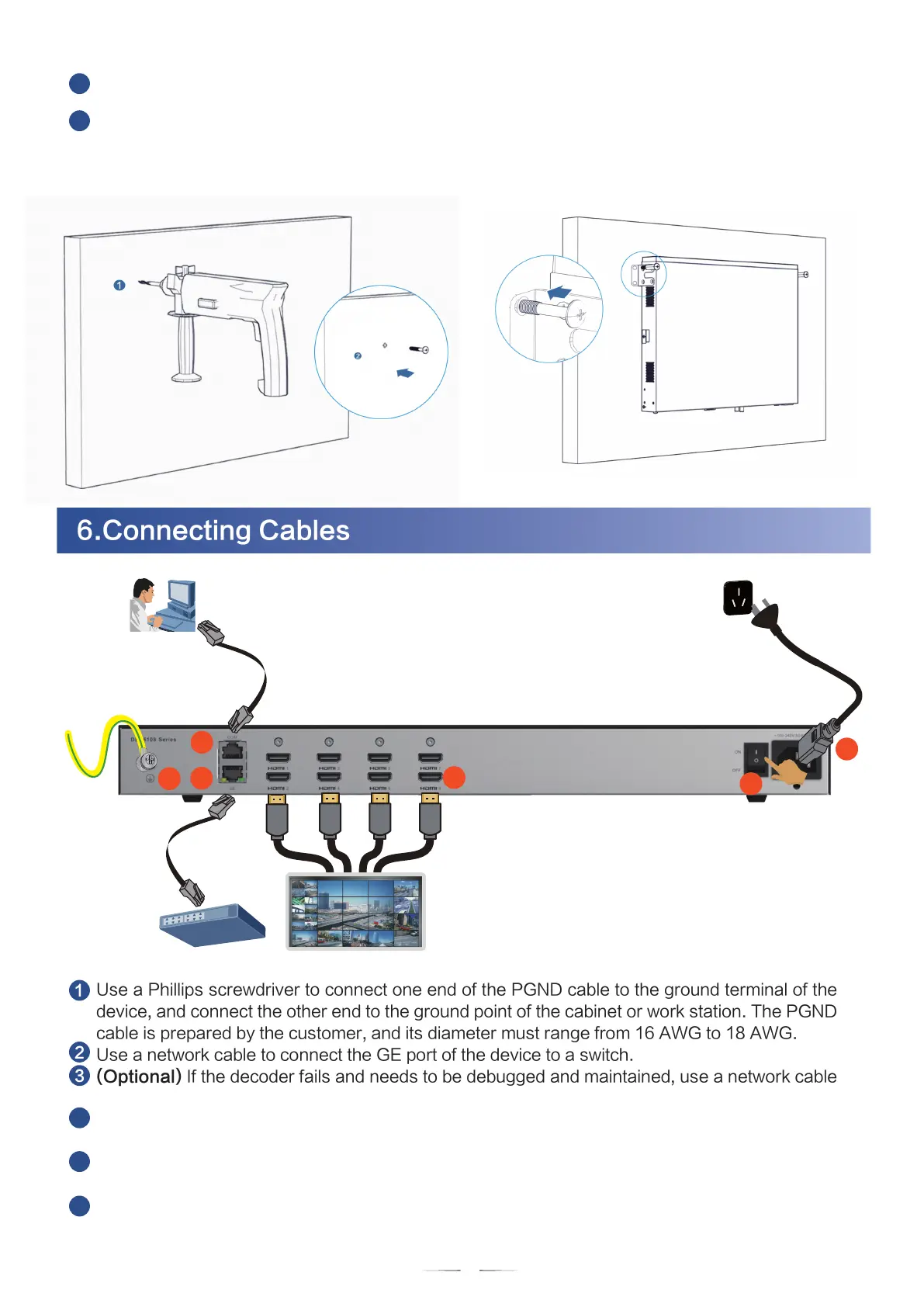
Drill holes and install M6 expansion bolts. Use a hammer drill to drill holes in marked positions and
install expansion bolts (prepared by users) after cleaning, as shown in the lower-left figure.
.
Install the device on the wall. Connect the M6 expansion bolts (attached with the screws) through
the holes on the mounting ears on both sides of the device. Then use a screwdriver to fasten the
screws into the expansion bolts to fix the device on the wall (front panel upward), as shown in the
lower-right figure.
Use a Phillips screwdriver to connect one end of the PGND cable to the ground terminal of the
device, and connect the other end to the ground point of the cabinet or work station. The PGND
cable is prepared by the customer, and its diameter must range from 16 AWG to 18 AWG.
Use a network cable to connect the GE port of the device to a switch.
(Optional) If the decoder fails and needs to be debugged and maintained, use a network cable
to connect the COM port of the device to the PC.
Connect the HDMI video output port to the video wall. There are a total of eight HDMI ports.
Choose ports based on the site requirements.
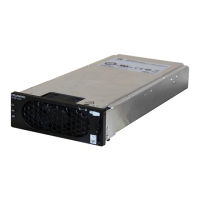
Insert one end of the power cable to the power supply interface of the device and the other end
to the power outlet.
Turn on the power switch. Skip this step if DEC6108 is used.
1
2
3
4
5
6
6.Connecting Cables
Video wallSwitch
PC Client
5
4
3
1
GE1
2
GE1
6
6


 To Next Page