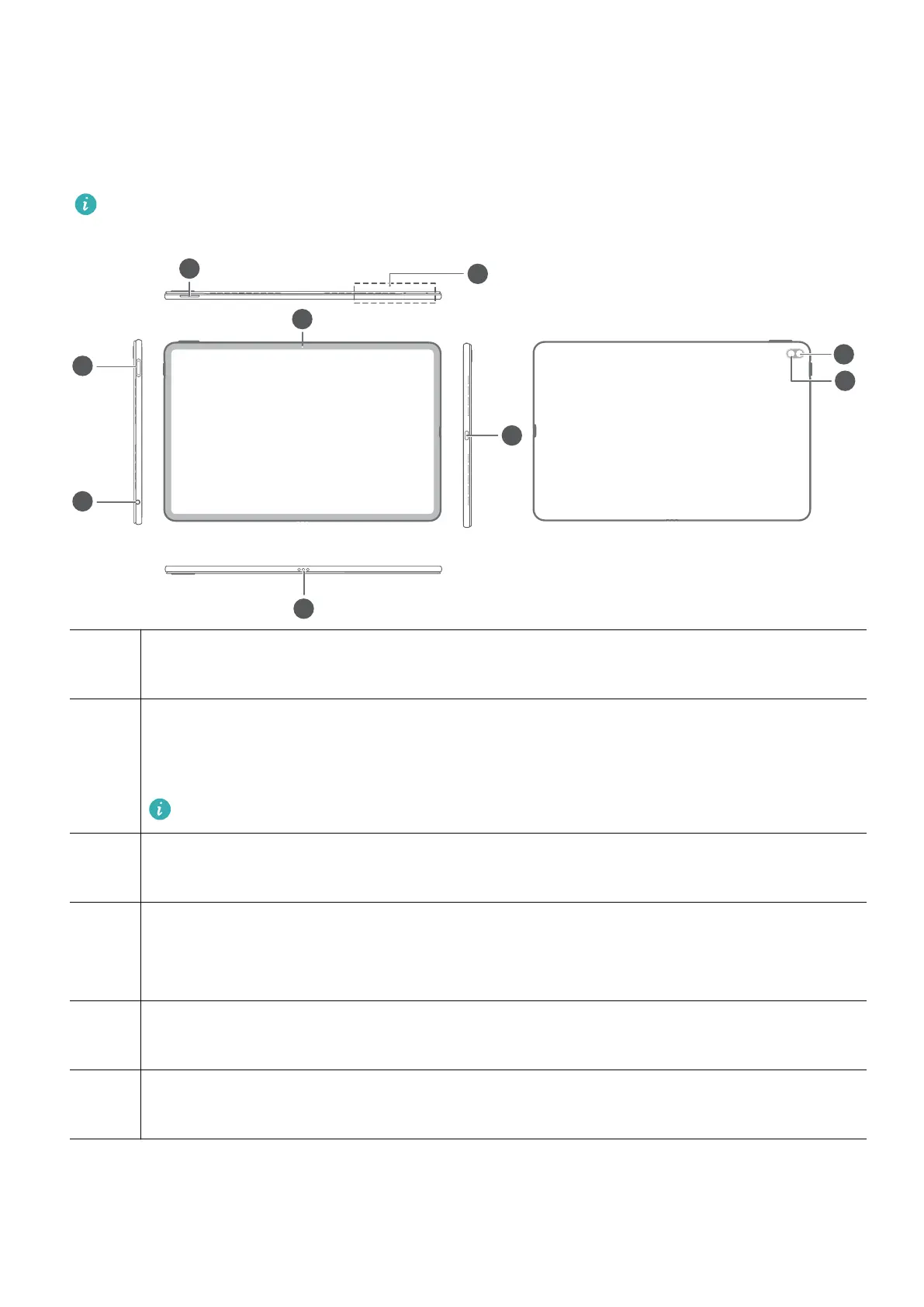
Get to know your computer
Appearance
Keyboard layout varies by country or region. Actual product may dier.
1 Volume button
Adjusts the volume.
2 Microphone x 4 *
Better at picking up sound and voices when used in conjunction with audio
processing apps.
Two microphones are located in the air outlet.
3 Front camera
Can be used to take photos or make video chats.
4 Fingerprint power button
After enrolling a ngerprint, simply press the power button with the enrolled nger
to power on and unlock the computer without having to enter a password.
5 Headset jack
Connects to a headset.
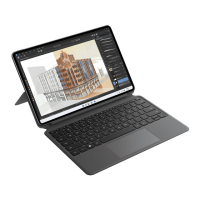
6 2-in-1 keyboard port
Connects to a keyboard cover.
1









 To Next Page