The battery status is indicated by the battery icon in the taskbar.
: Indicates that the charger is connected. Click to view the estimated charging time.
: Indicates that the charger is not connected. Click to view the battery percentage
and battery time.
The charging time and remaining battery life displayed are estimated by the operating
system. The actual time may vary.
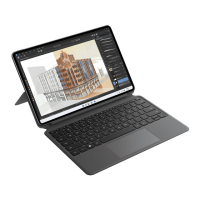
Only some models come with the HUAWEI Glide Keyboard (compatible with HUAWEI
MateBook E). This keyboard has a USB-C port, which can be used to charge the
computer. The actual keyboard shall prevail.
Get to know your computer
3









 To Next Page