6
Go.
All the clever bits and bobs you need (‘drivers’, if we’re getting technical) are already
loaded onto your USB modem. All you need to do is connect it to your laptop or computer
and follow the on-screen instructions.
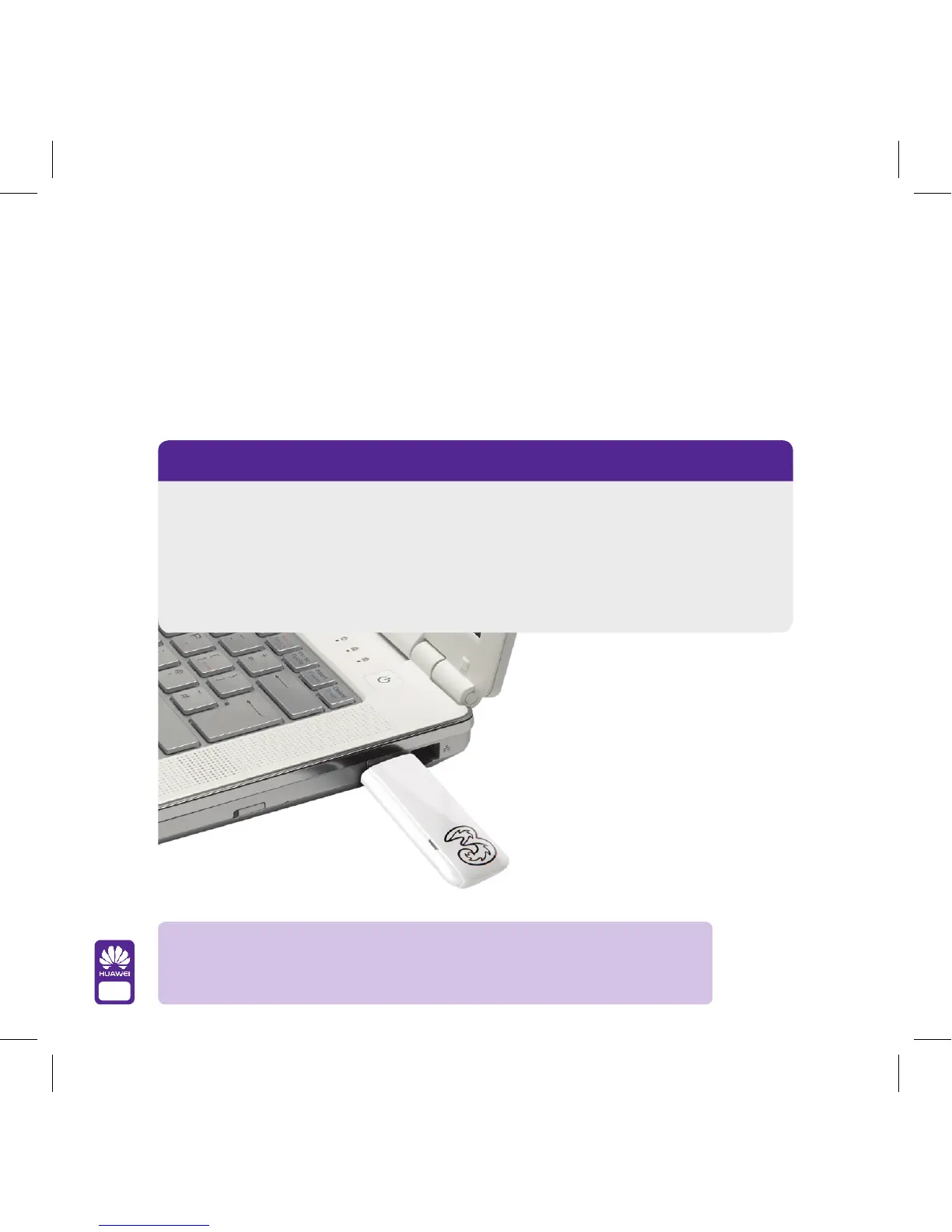
You can connect your USB modem to your computer in two ways
1 Simply plug your USB modem into the USB port.
2 Use the cable supplied (this might improve performance in weaker network
coverage areas).
Once you’re connected, the light under the
3 logo on your USB modem will change
from green to blue.
Troubleshooting tip: You’ve switched your computer on. You’ve plugged
your dongle in. And now nothing is happening? Make sure you’ve given your
computer enough time to finish starting up before you insert your dongle.



 To Next Page