8
Using your USB modem.
Once the software is installed, all you need to do each time you want to use your
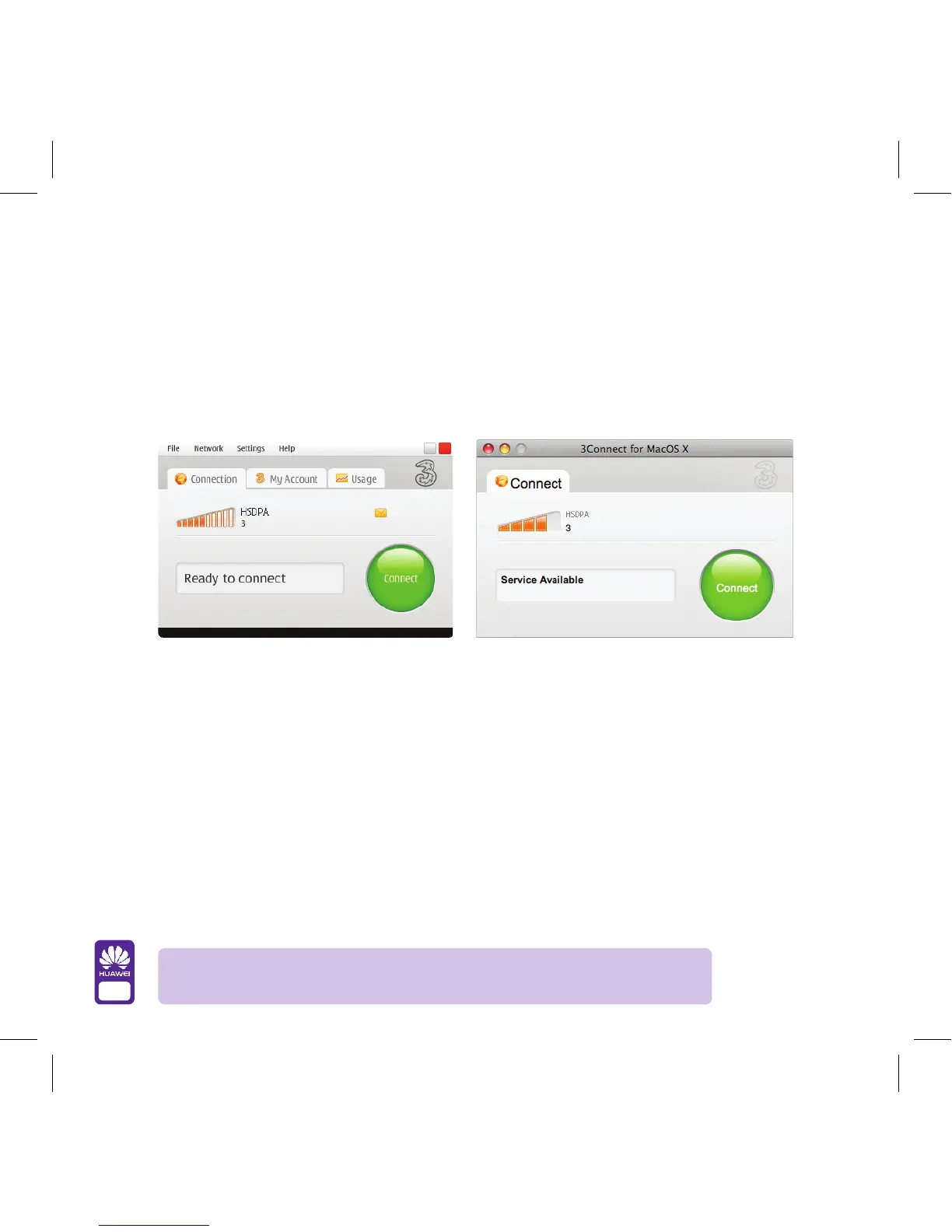
USB modem is connect it and then wait for the following screen to appear. It should
take about 30 seconds and when it pops up click on Connect.
On Pay As You Go Mobile Broadband and need your 3 mobile number to top up?
No problem.
On a PC…
Select the My Account tab on screen and you’ll instantly see your 3 mobile number
(+4478 followed by 8 more digits, just like a regular mobile phone number).
On a Mac…
Select the Tools menu, then HSDPA / UMTS / GPRS Options, followed by
My Account to see your 3 mobile number (+4478 followed by 8 more digits,
just like a regular mobile phone number).
PC version
Mac version
Troubleshooting tip: Won’t let you connect? Check to make sure you have
inserted your SIM card into your dongle correctly. See page 5 for details.



 To Next Page