4
Preparation
Requirements for the Computer
To use the E169, the computer must meet the following requirements:
USB Type A Receptacle, Compatible with USB 2. 0 Full Speed.
CPU: 133 MHz or above. 500 MHz or above is recommended.
Memory: 128 MB RAM or above.
Free space on the hard disk: 50 MB or above.
Windows XP/2000/Vista is installed.
Resolution for the display: 800 × 600 or above. 1024 × 768 is recommended.
Getting Your E169 Ready
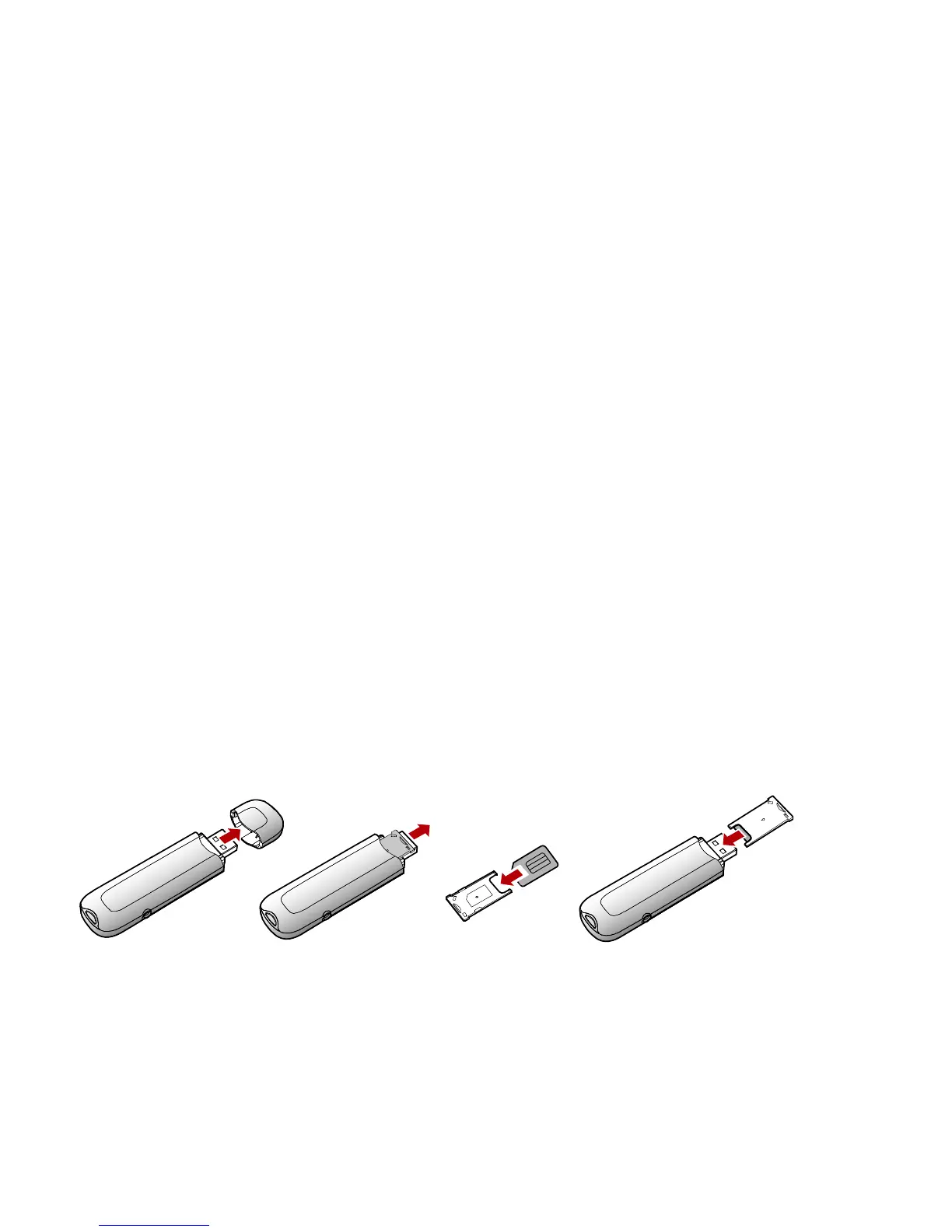
Remove the UMTS USIM/SIM card slot from the E169.
Insert the USIM/SIM card into the card slot.
Insert the card slot into the E169.



 To Next Page