4
Requirements for the PC
To use the E176, the PC must meet the following requirements:
Standard USB interface.
Windows 2000 SP4, Windows XP SP2, Windows Vista.
The hardware of your PC must meet or exceed the recommended system
requirements for the installed version of OS.
Display resolution: 800 × 600 or above.
Preparing the E176
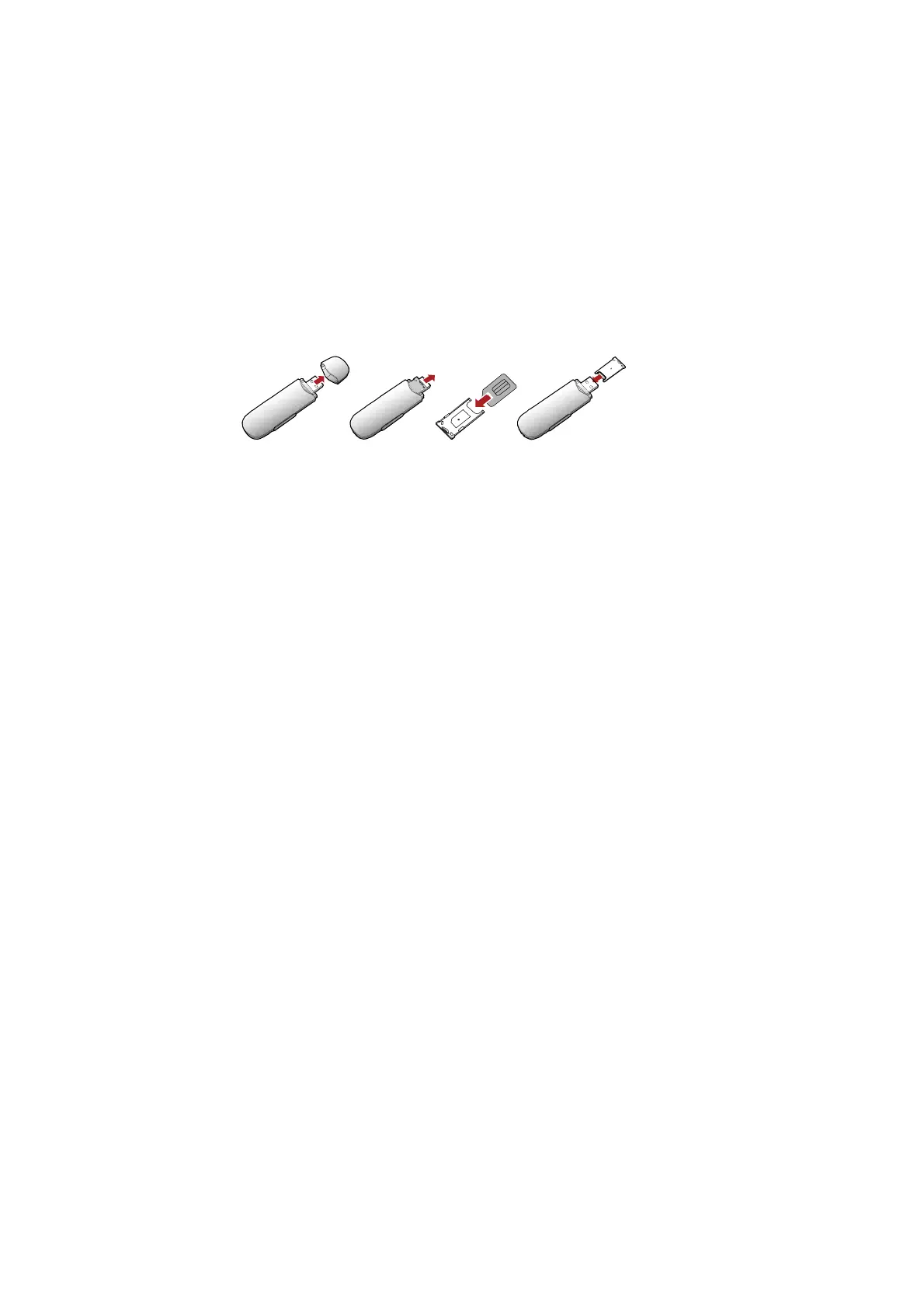
Inserting the USIM/SIM Card
Insert the USIM/SIM card into the card slots. Make sure that the cards are
properly inserted.



 To Next Page