7
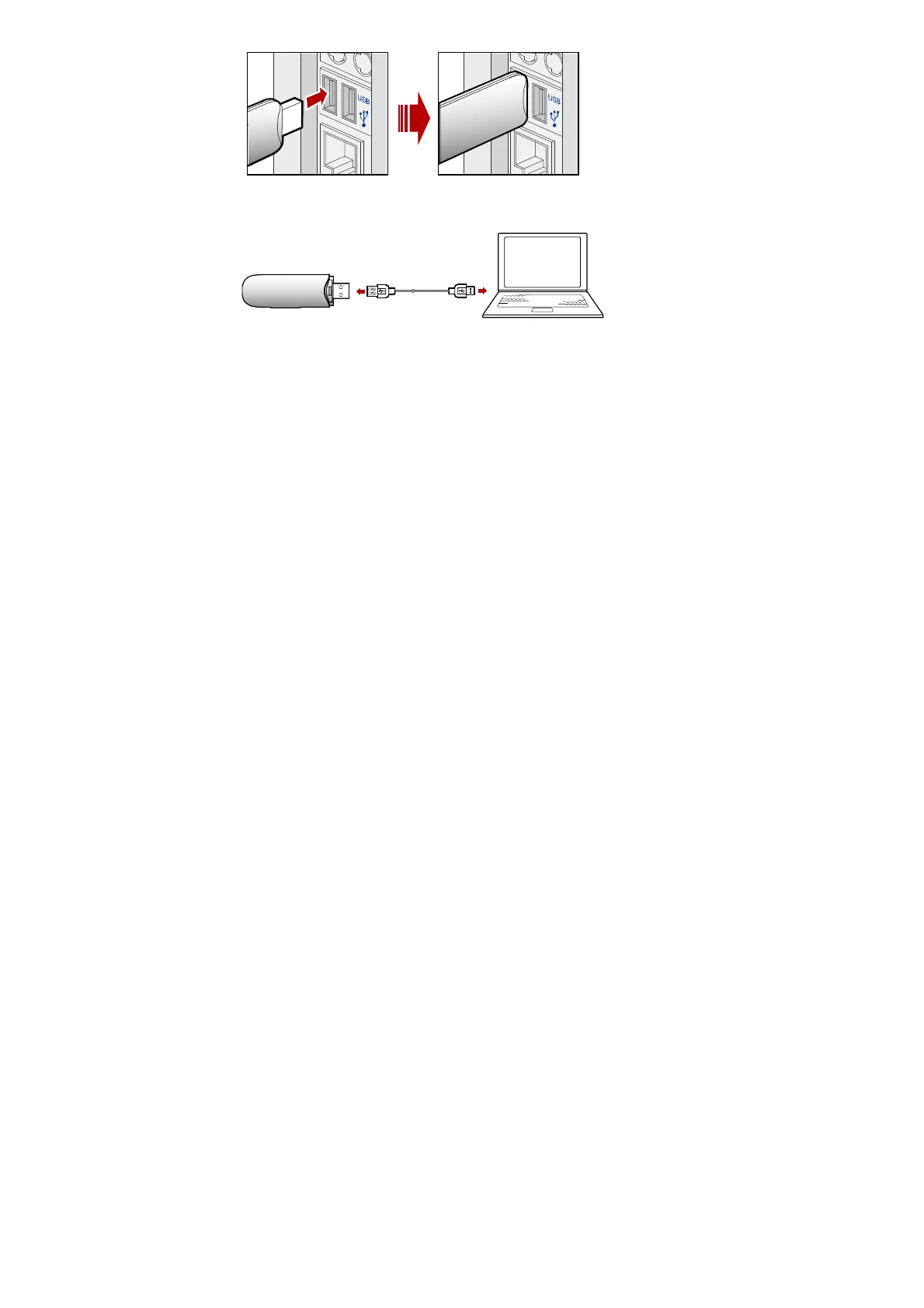
The other way: connect the E176 to a PC using the USB extension cable.
Installing the E176 Management Program
1. Connect the E176 with the PC.
2. The OS automatically detects and recognizes new hardware and starts the
installation wizard
Note:
If the auto-run program does not respond, find the AutoRun.exe file in the driver
path. Then double-click AutoRun.exe to run the program.



 To Next Page