3
Requirements for the PC
To use the E1762, the PC must meet the following requirements:
n Standard USB interface.
n Windows 2000 SP4, Windows XP SP2, Windows Vista.
n The hardware of your PC must meet or exceed the recommended system requirements
for the installed version of OS.
n Display resolution: 800 × 600 or above.
Preparing the E1762
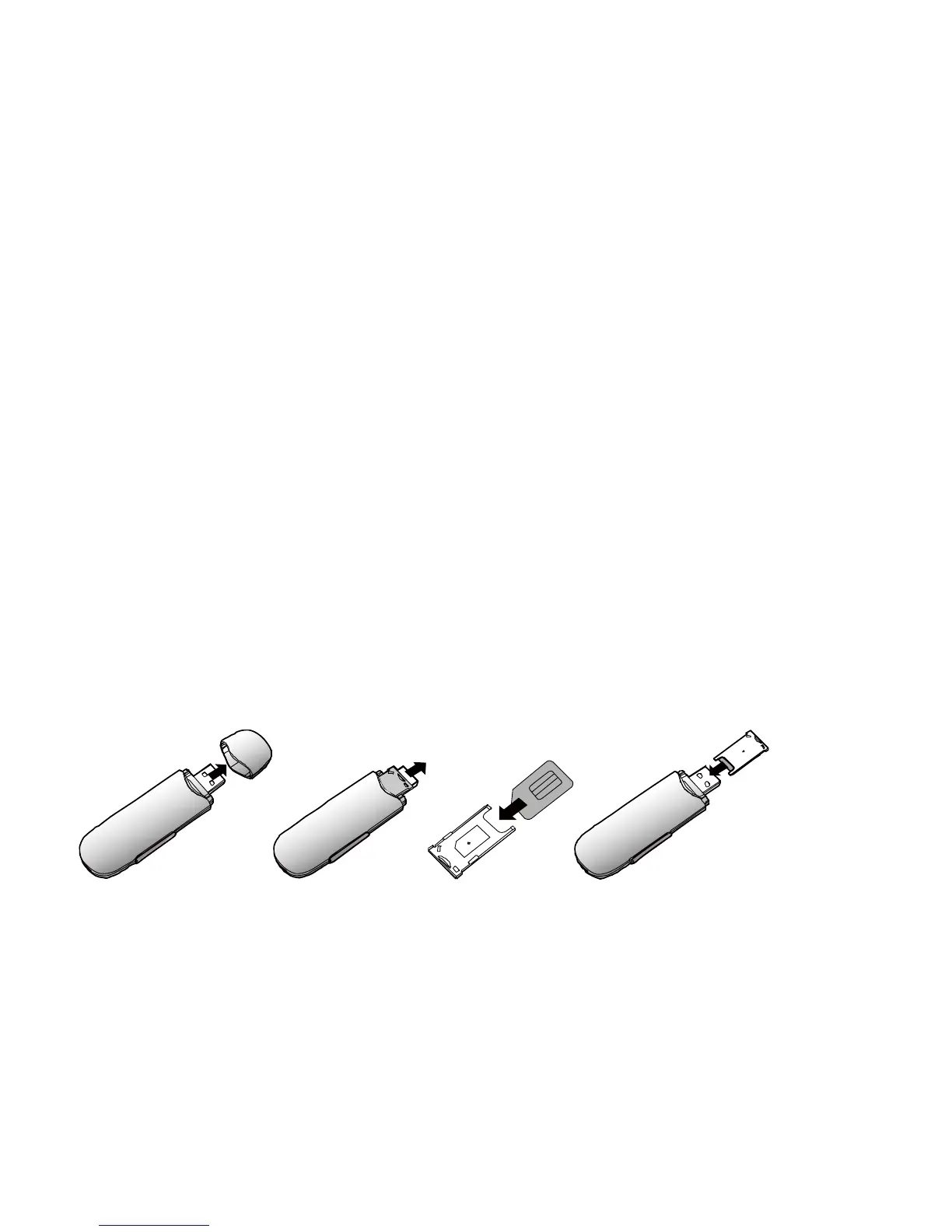
Inserting the USIM/SIM Card
Insert the USIM/SIM card into the card slots. Make sure that the cards are properly inserted.



 To Next Page