Installation Guide
The procedure for installing the management program depends on the operating system installed
on your PC. The following section takes Windows XP as an example.
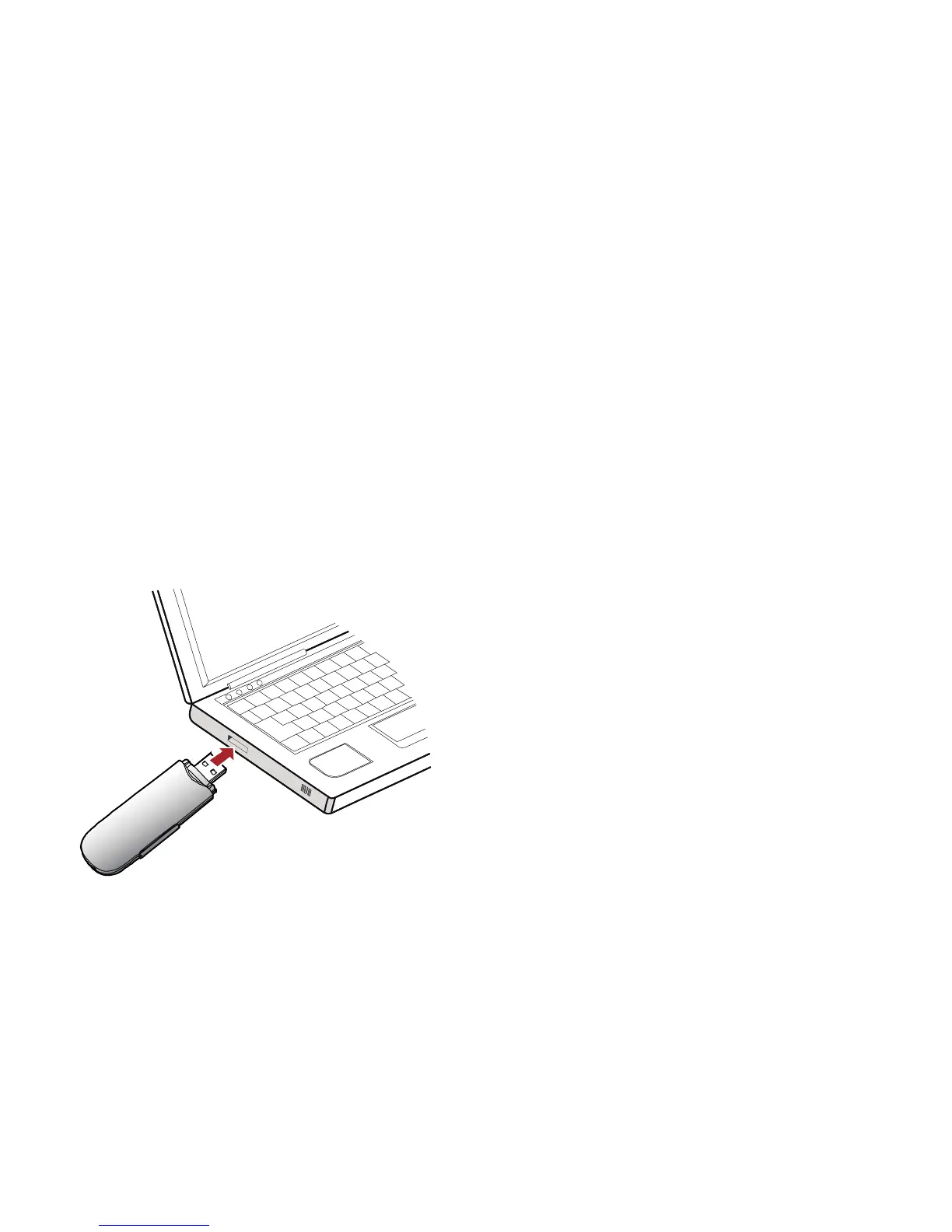
Connecting the E176G with a PC
Note:
Power on your PC before connecting the E176G with the PC. Otherwise, the normal installation of
the E176G may be affected.
One way: Plug the E176G into the USB interface of the PC.
5



 To Next Page