Issue 02 (2015-01-19) Commercial in Confidence Page 13 of 22
3 Services and Applications
3.1 Packet Data Service
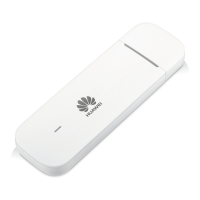
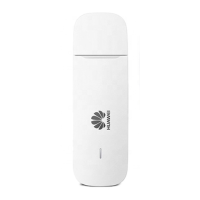
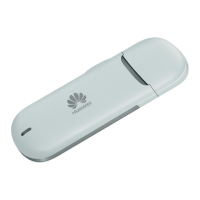
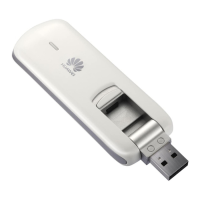
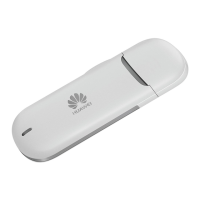
The E3372 supports the PS domain data service based on LTE/
DC-HSPA+/HSPA+/UMTS/EDGE/GPRS
After you connect the E3372 to a PC with the USB interface,
The normal version of E3372 driver and the client software are installed on the
PC automatically. Dual APN is supported in LTE mode. A default APN will be
used at initial attach to LTE. The other APN is use like normal APN in 2G/3G. You
can configure APN through the E3372 application (or directly use the default
settings) and set up a network connection;
The HiLink E3372 will connect the network automatically.
Then you can send or receive E-mail, access the network through wireless connection,
and download files through wireless data channels.
3.2 SMS
The E3372 supports message writing/sending/receiving and group sending on
GSM/EGDE/UMTS network. In LTE network supporting SMS over SGs, you can also
send/receive messages on LTE. You can manage messages through the dashboard, such
as sorting the messages by telephone number or time.


 To Next Page