17
TEXT MSG
U.S. Cellular
®
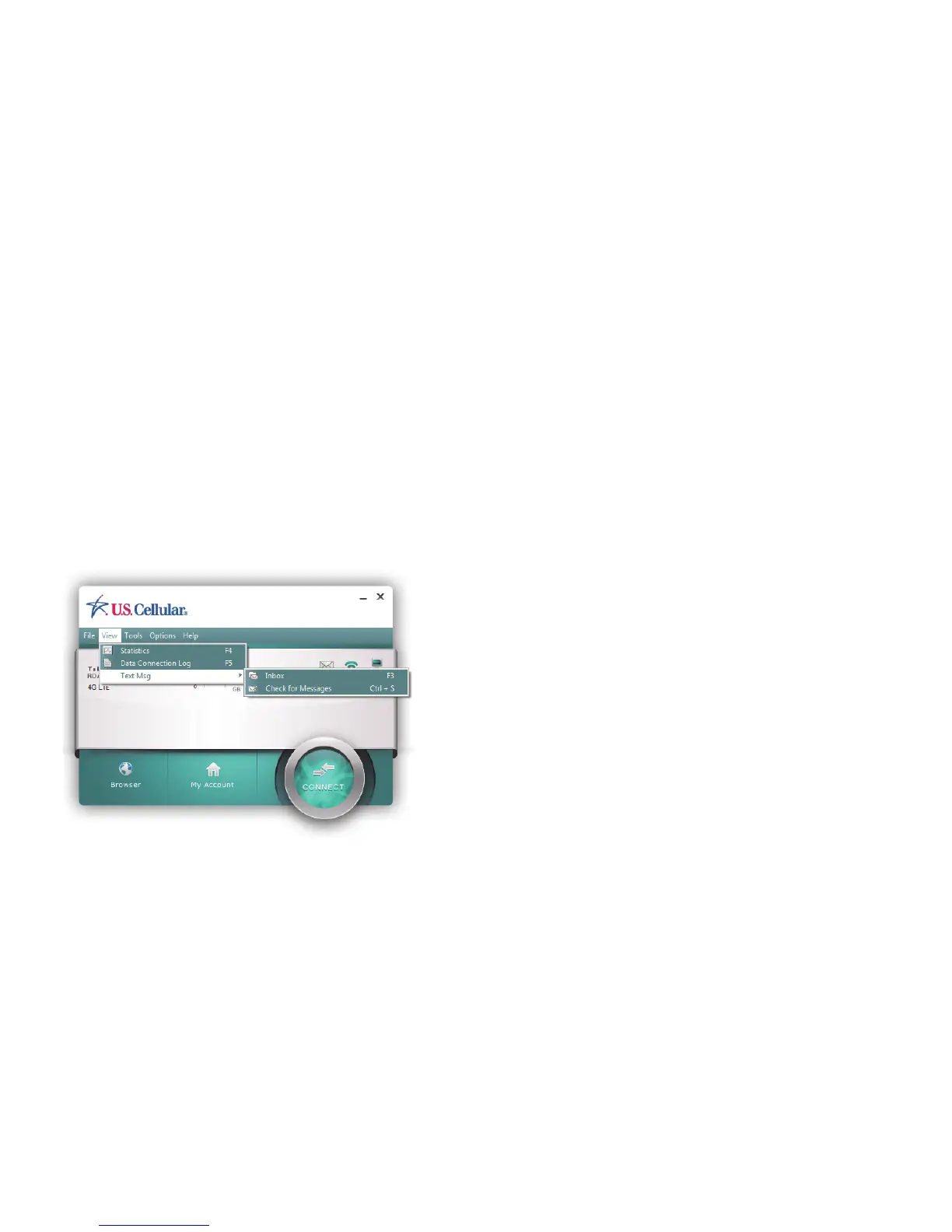
Broadband Connect enables you to receive text messages. The Inbox displays
the received messages. You can access the inbox from this menu or simply by double
clicking on the envelop icon. If there are unread messages, the unread messages are listed
in bold and shown in the Inbox. For Windows users, the system tray also shows the green
message icon which indicates there are unread messages in your inbox. The green message
icon and the bold listings disappear as soon as you have read the message.



 To Next Page