Descriptions of the Data Card Management GUI
HUAWEI
12
Status Display Area
The status display area displays the icon of network signals, the icon of
unread messages, the network modes and the information of current carriers
and so on.
User Work Area
The user work area often displays some data information and operating
interfaces. Different functions correspond to different work areas.
Operation Navigation Area
The operation navigation area displays the main function menu of the Data
Card Management, such as the internet service, SMS service, phone book
management and so on.
Shortcut Icons and Keys
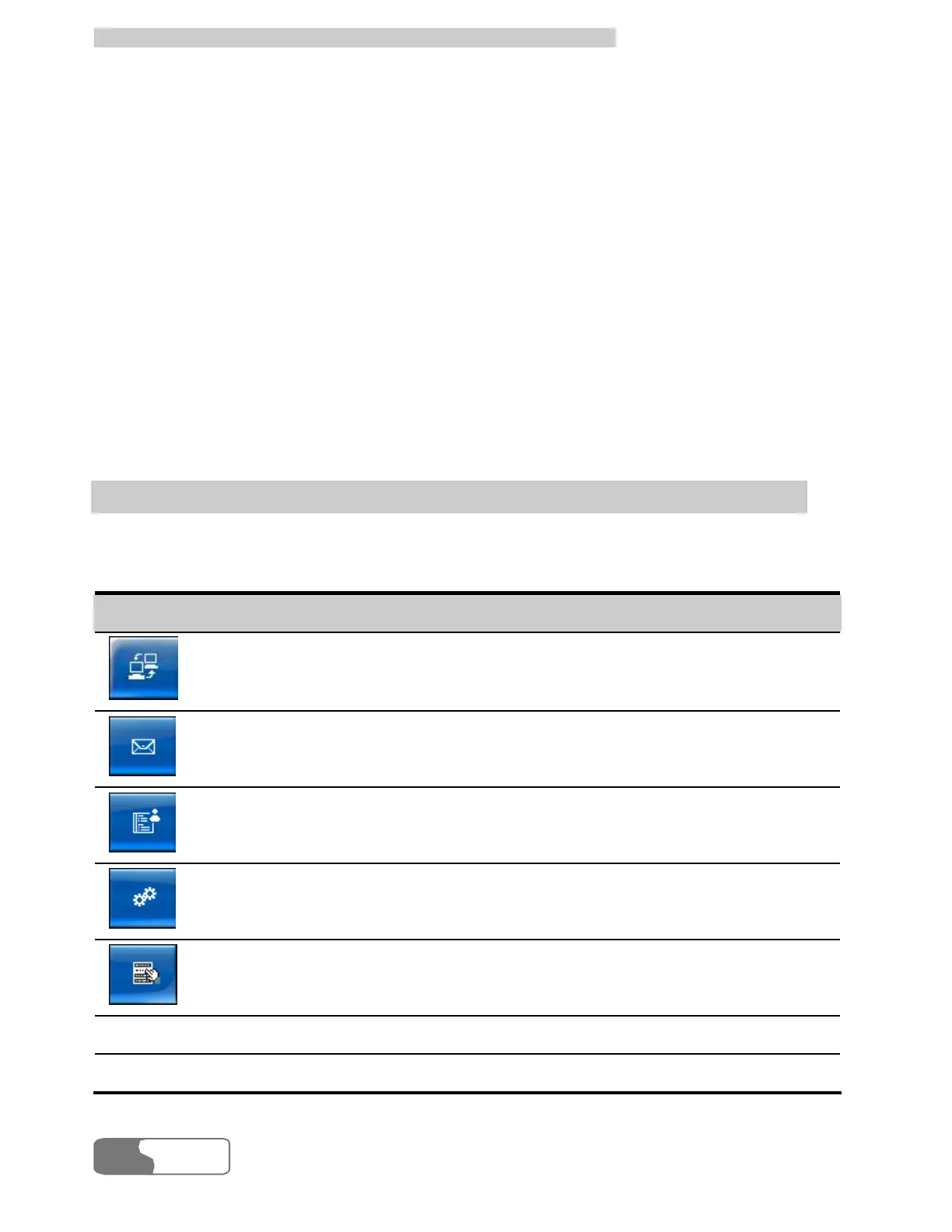
The list below describes the shortcut icons and keys provided by the Data
Card Management.
Shortcut icon/key Description
/ <Alt + N>
To display the Connection interface.
/ <Alt + M>
To display the Message interface.
/ < Alt + P>
To display the Phone Book interface.
/ <Alt + S>
To display the Setting interface.
/ <Alt + W>
To display the Main Menu.
F1 To display the related topic of online help.
Alt + F4 To exit the Data Card Management.



 To Next Page