riptions of the Data Card Management GUI
HUAWEI
13
Status Information on the Screen
The status information shown on the screen depends on the service that is
going on. All the status information and their descriptions are listed below:
Status
information
Description
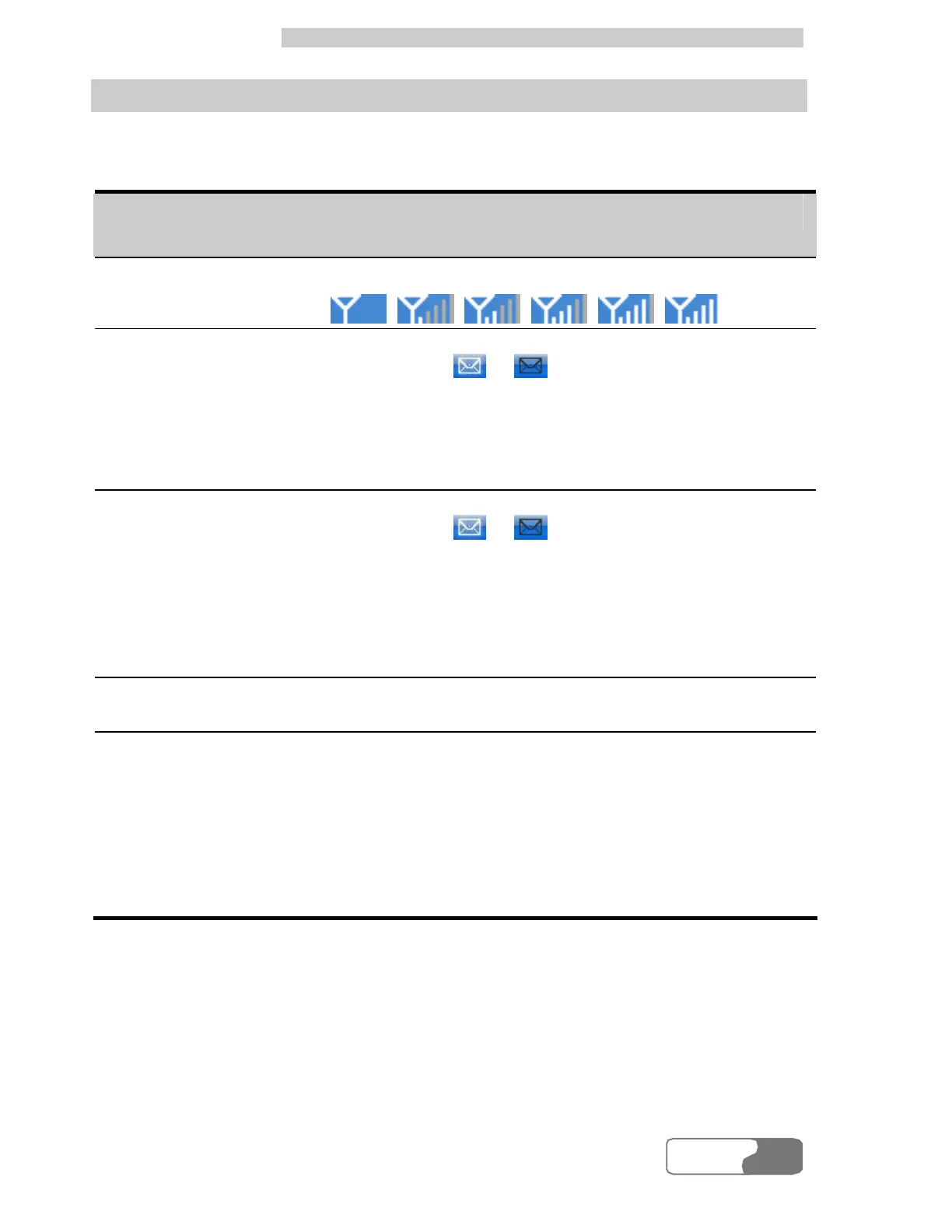
Signals Signal strength indication in current network:
Unread messages
When there are unread messages:
l The icons / flash in the status display
area. If you put the cursor on the icon, the total
number of unread messages is displayed.
l The Unread Message alert box is displayed in
the upper right corner of your laptop screen.
New messages
When there are new messages:
l The icons / flash in the status display
area.
l The Prompt dialog box is displayed in the lower
right corner of your laptop screen. You can click
View in the dialog box to see the message in the
Inbox.
Carriers
Displays the related information of the current
network carriers.
System mode
Display the information of system mode.
The descriptions of status are as follows:
l GPRS/EDGE: 2G network, data service is
available.
l 3G: 3G network, high speed data services are
available.
l No display: No service.



 To Next Page