20
3. Select the wireless network connection with the Mobile
WiFi Smart's SSID and click Connect.
Note:
If a security mechanism is enabled for the wireless
network connection, enter the correct network key.
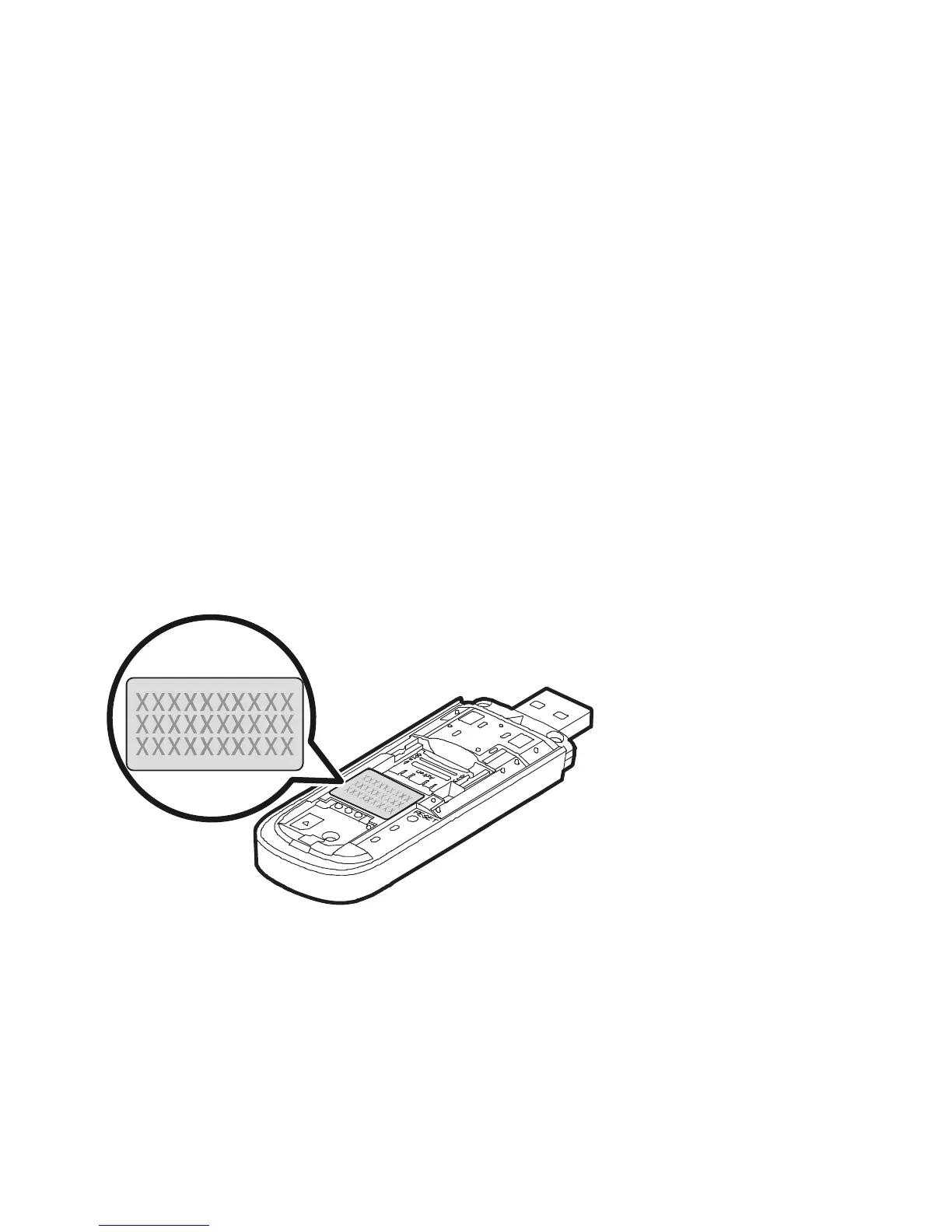
The SSID and the network key are printed on the
Mobile WiFi Smart, as shown in the following figure.



 To Next Page