4
2 Connecting the Cables and Getting
Started
2.1
Simple Connection
If your telephone line is used for the broadband network access only and if you do not
need to use a telephone, take the following figure as a reference for connecting the
cables.
1
2
3
POWER
LAN4
LAN3
LAN2
LAN1
RESET
ADSL
1. Telephone jack on the wall 2. Power adapter 3. Computer
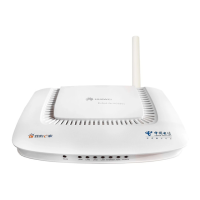
If the wireless network function is used on the HG520c for the network
access, you do not need to connect the cables.


 To Next Page
 Loading...