3
3
F
F
u
u
n
n
c
c
t
t
i
i
o
o
n
n
D
D
e
e
s
s
c
c
r
r
i
i
p
p
t
t
i
i
o
o
n
n
HUAWEI
14
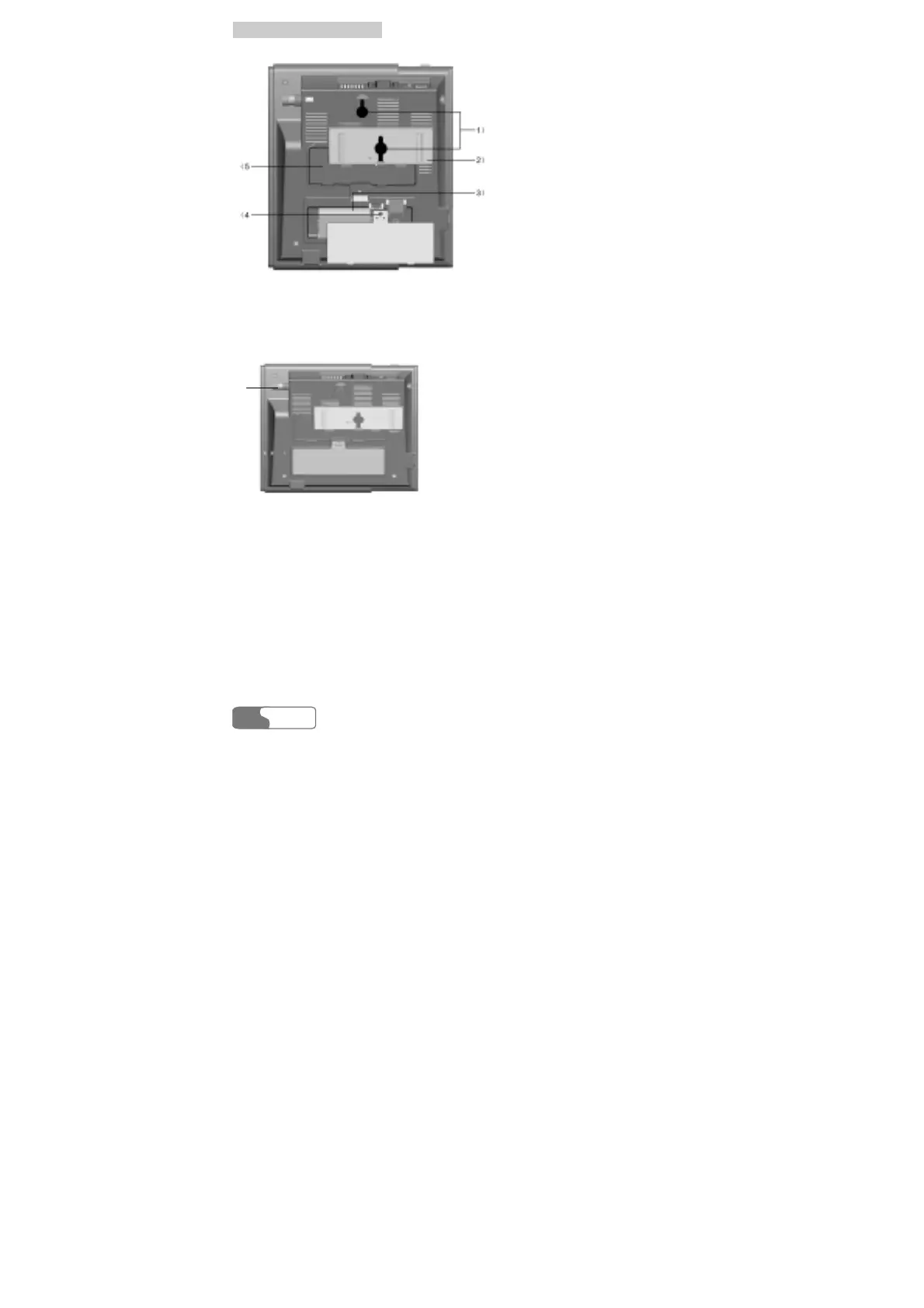
1) Hook 2) Wall-mounting bracket
3) Spare battery case 4) Tapping screw installation hole
5) Wall-mounting bracket installation area
Figure 3-2 FWT back view (1)
1)
1) Installation interface to indoor antenna
Figure 3-3 FWT back view (2)
Hook
It is used when the FWT is installed vertically.
Wall-mounting bracket
If you want to install the FWT vertically, you should install the wall-mounting
bracket in the corresponding installation area. For the details, refer to the "Wall
Mounting Mode".



 To Next Page