i
Intended Audience
About This Document
Change History
This topic describes how to install the F01T500 cabinet, including installing the cabinet, routing cables, and
powering on the system.
The intended audience is hardware installation engineers.
Changes between document issues are cumulative. Therefore, the latest document issue contains all updates
made in previous issues.
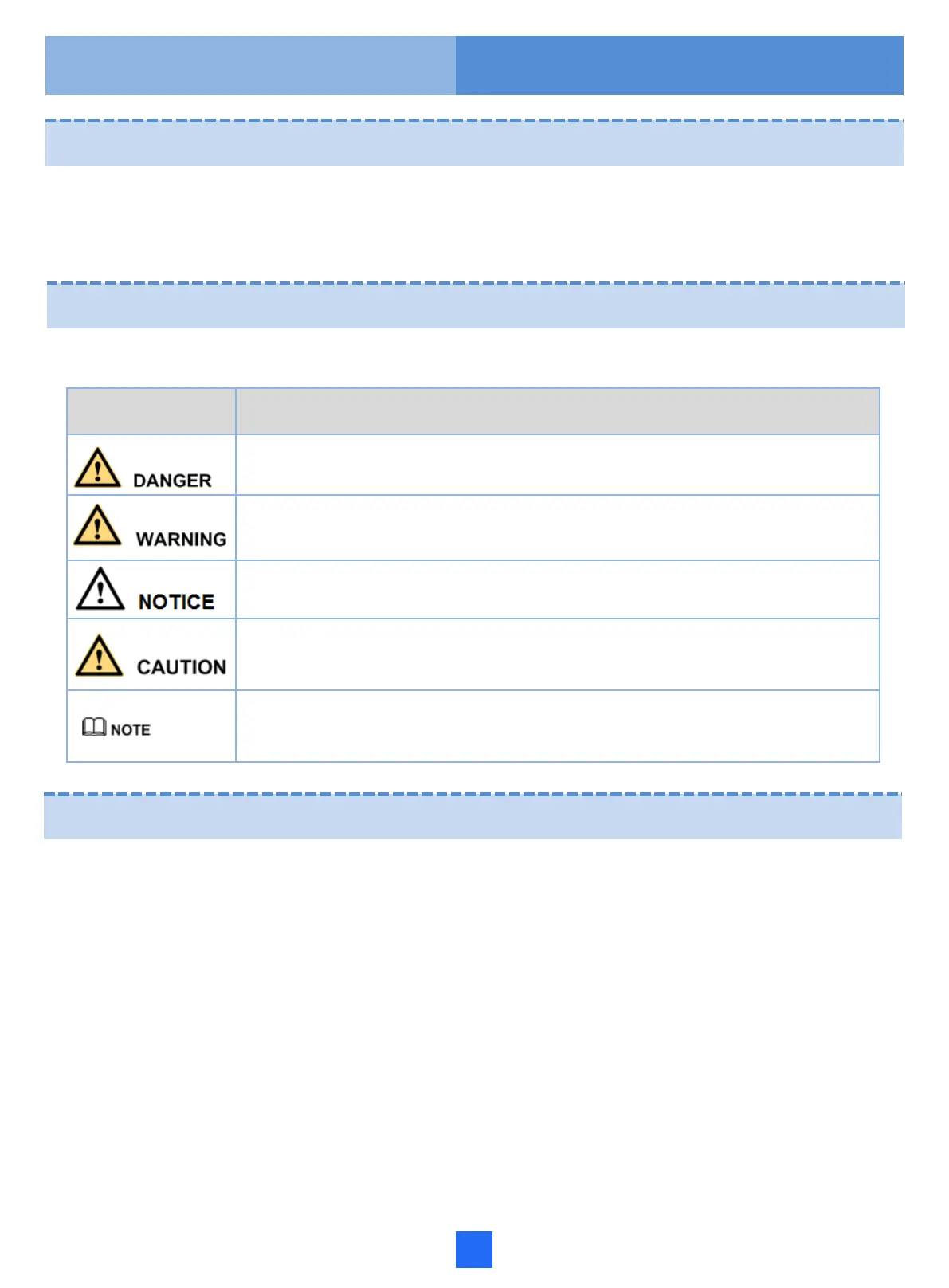
The symbols that may be found in this document are defined as follows.
Symbol Description
Indicates an imminently hazardous situation which, if not avoided, will result in death or
serious injury.
Indicates a potentially hazardous situation which, if not avoided, could result in death or
serious injury.
Indicates a potentially hazardous situation which, if not avoided, may result in minor or
moderate injury.
Indicates a potentially hazardous situation which, if not avoided, could result in equipment
damage, data loss, performance deterioration, or unanticipated results.
NOTICE is used to address practices not related to personal injury.
Calls attention to important information, best practices and tips.
NOTE is used to address information not related to personal injury, equipment damage,
and environment deterioration.
Updates in Issue 07 (2017-05-03)
Based on issue 06 (2017-03-01), this document is updated as follows:
Modified the dimensions of the cabinet bottom.
Symbol Conventions


 To Next Page