2
No. Item Description
8
Number and
symbol keys
Enter numbers, letters, and symbols.
Number keys (2–9): Speed-dial a user-assigned phone
number by pressing and holding a key in standby mode.
# key: Switch between text input methods in editing mode.
* key: Display the symbol list in editing mode.
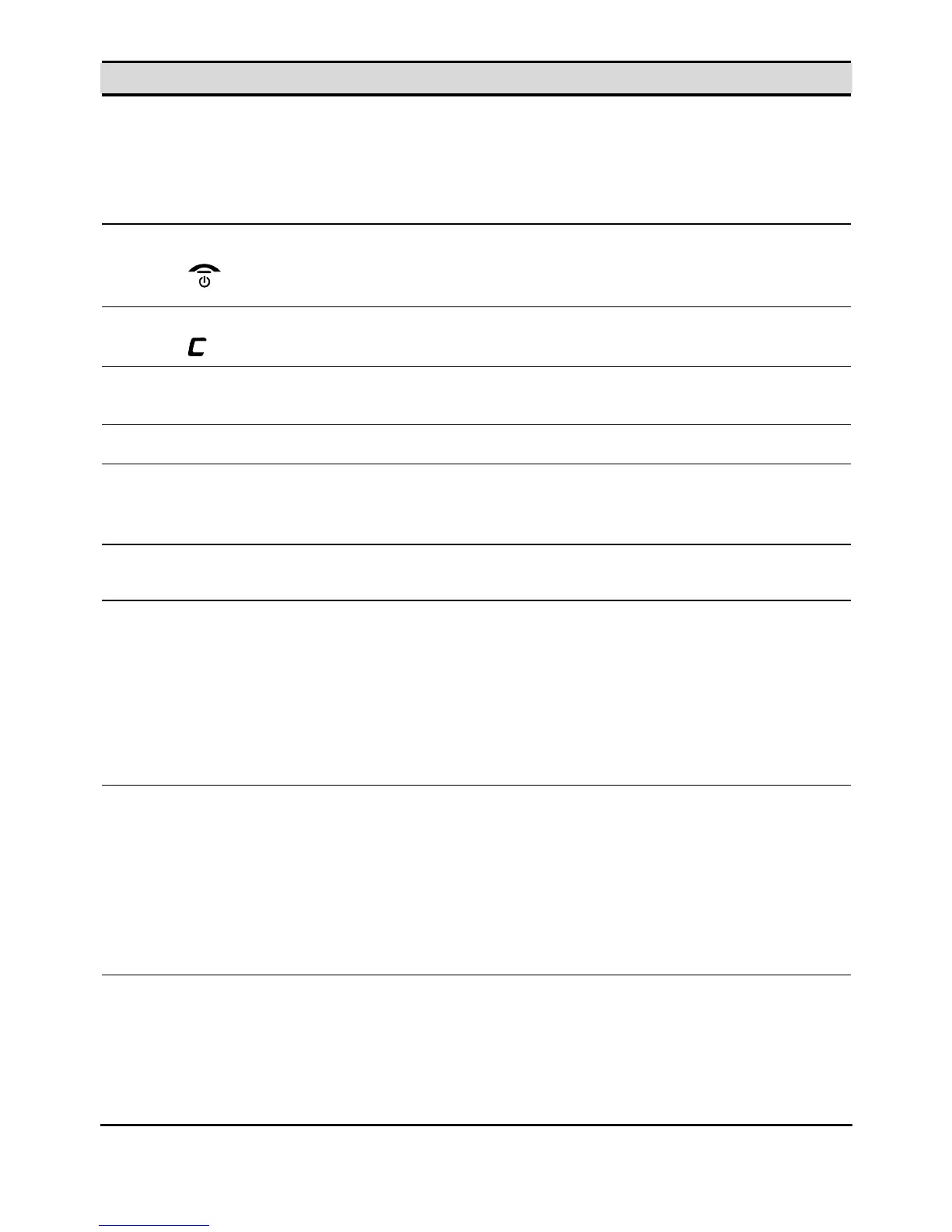
9
End key
End or reject a call.
Press and hold this key to power a handset on or off.
Return to the standby mode.
10
Clear key
Press this key to delete the character to the left of the cursor in
editing mode.
11
Right function
key
Select the option displayed in the lower right corner of the
screen.
12 Power key Press and hold this key to power the base on or off.
13
Page/Register
key
Press this key to page a handset. This helps you to locate a
handset that has been misplaced.
Press and hold this key to register a handset with the base.
14 Reset key
Press and hold this key to restore factory settings and
deregister all handsets from the base.
15 Signal indicator
Off: indicates that there is no signal or that the base is
searching for a network or being initialized.
Steady on blue: indicates that the signal is strong.
Blinking slowly in blue: indicates a Subscriber Identity
Module (SIM) card–related fault, such as no SIM card
inserted, personal identification number (PIN) or PIN
unblocking key (PUK) unverified, and SIM card unable to
work properly.
16 Battery indicator
Steady on blue: indicates that the battery has sufficient
power.
Blinking slowly in blue: indicates that the battery is being
charged.
Blinking fast in blue: indicates that the battery power is
insufficient and that you need to charge the battery.
Off: indicates that the battery is not installed in the base or
that the battery has run out of power.
17 Power indicator
Off: indicates that the base is powered off.
Steady on red: indicates that the base is powered on.
Blinking slowly in red: indicates that the base is in paging
state.
Blinking fast in red: indicates that the base is registering a
handset.



 To Next Page