4
Note:
If the phone will not be used for a long time, remove the battery from the phone.
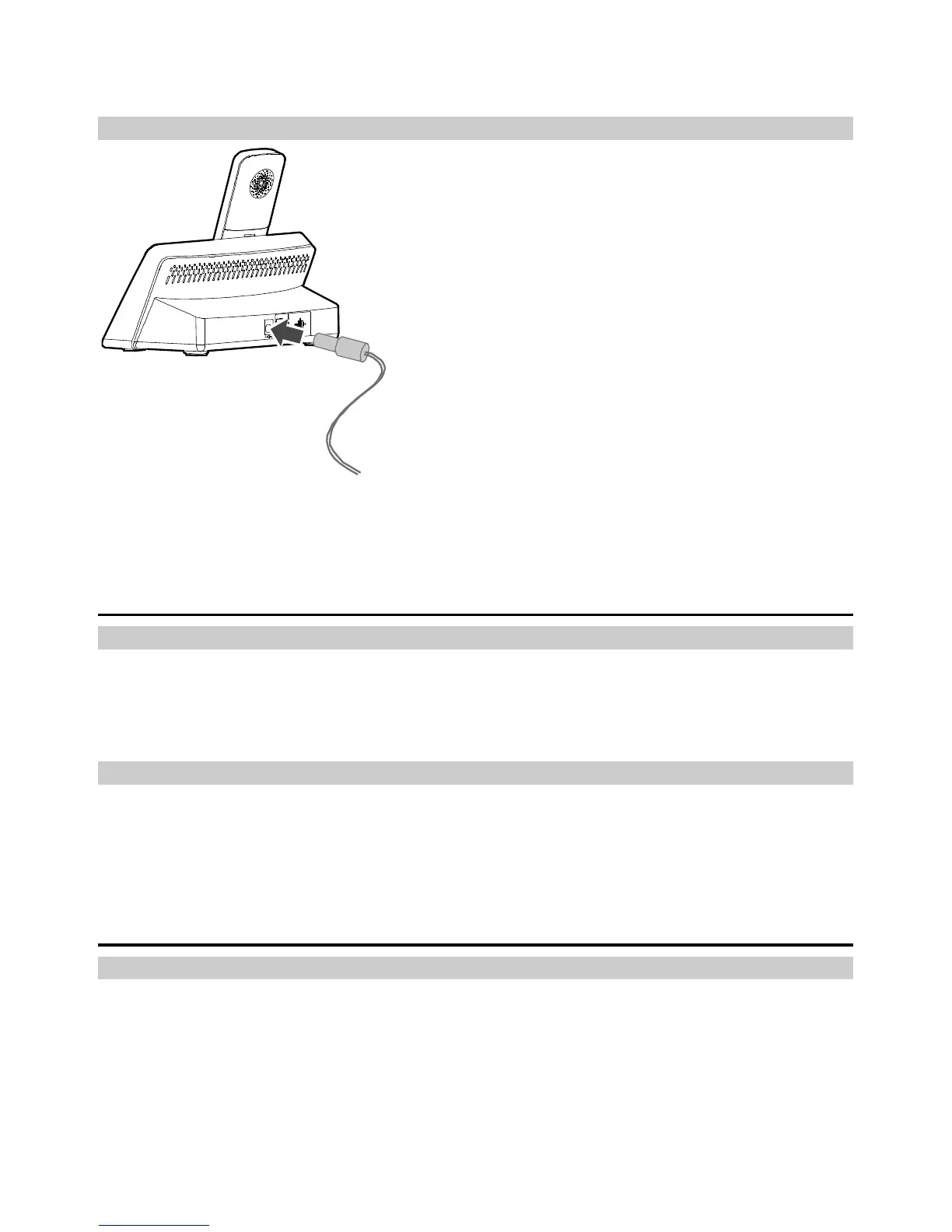
Connecting the Power Adapter to the Base
Note:
When new phones are delivered, the battery power is low. Therefore, charge the
phone for a while and then power on the phone the first time you use it.
Powering On the Phone
Powering the Base On
To power the base on, press and hold the power key.
Note:
To power the base off, press and hold the power key.
Powering a Handset On
To power a handset on, press and hold the end key until the screen is lit up.
Note:
To power a handset off, press and hold the end key.
Connecting a Handset to the Base
Registering a Handset
Register a handset with the base before using it. Otherwise, you cannot use the handset.
To register a handset, do the following:
1. Press and hold the page/register key on the base until the power indicator blinks fast.
2. On the handset, select Settings > Handset > Register handset.
3. Select the base to be connected, and then enter the registration password.
4. Press the OK key to register the handset with the base.



 To Next Page