1
Introduction
Note:
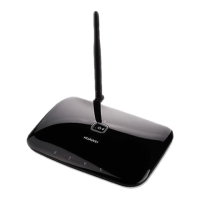
The figures in this document are provided only for your reference. The fixed wireless
terminal (FWT) that you have purchased may differ from that shown.
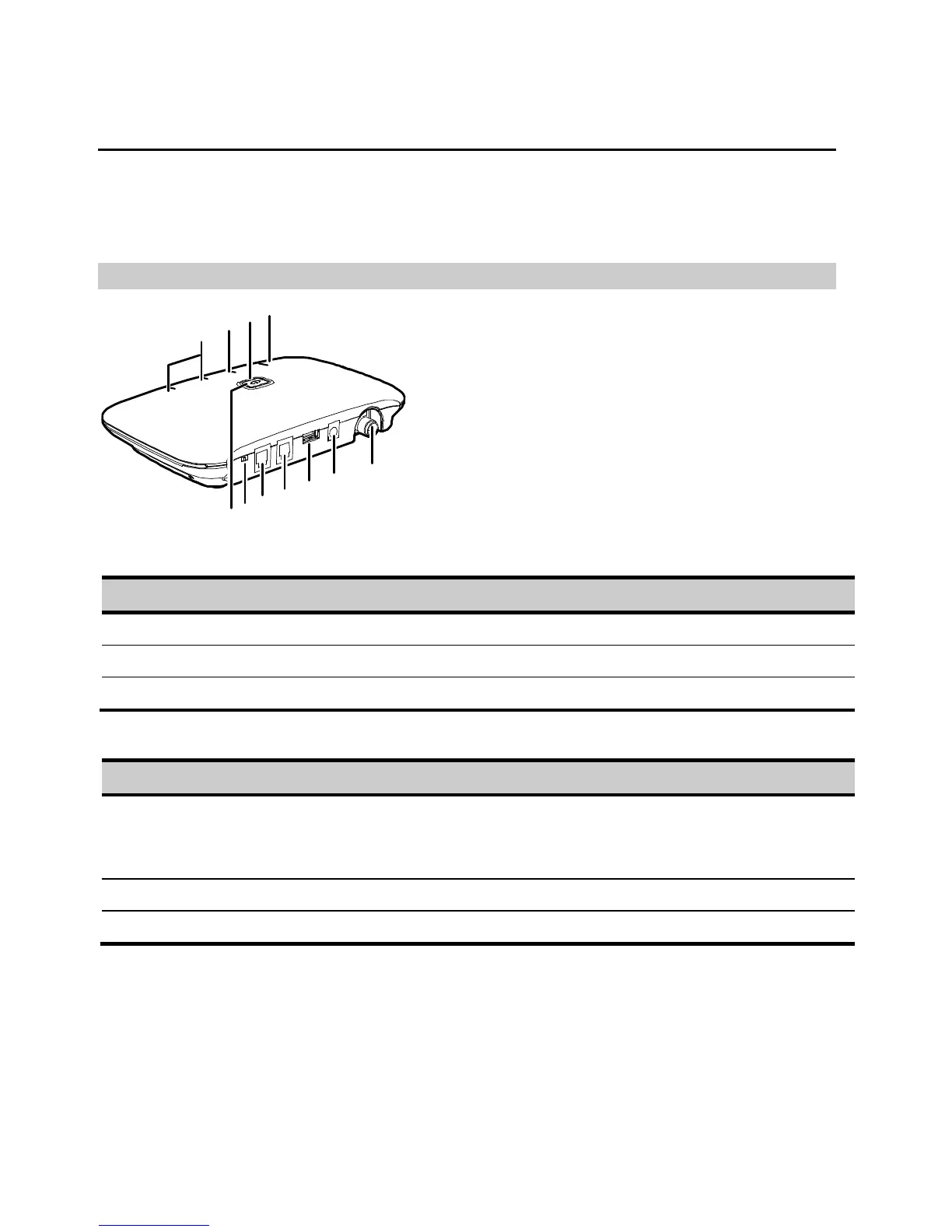
Front View
8
9
10
11
5
2
1
3
4
6
7
Ports
No. Item No. Item
1 Antenna port 4 Telephone port 1
2 Direct current (DC) input port 5 Telephone port 2
3 Data port
Switches and Indicators
No. Item
6 Voice/Fax switch (optional)
Push the switch to the V (voice) position to set the FWT to voice mode.
Push the switch to the F (fax) position to set the FWT to fax mode.
7 FWT switch: Press the switch to power the FWT on or off.
8 Signal strength indicators: More indicators signify stronger signal strength.







 To Next Page