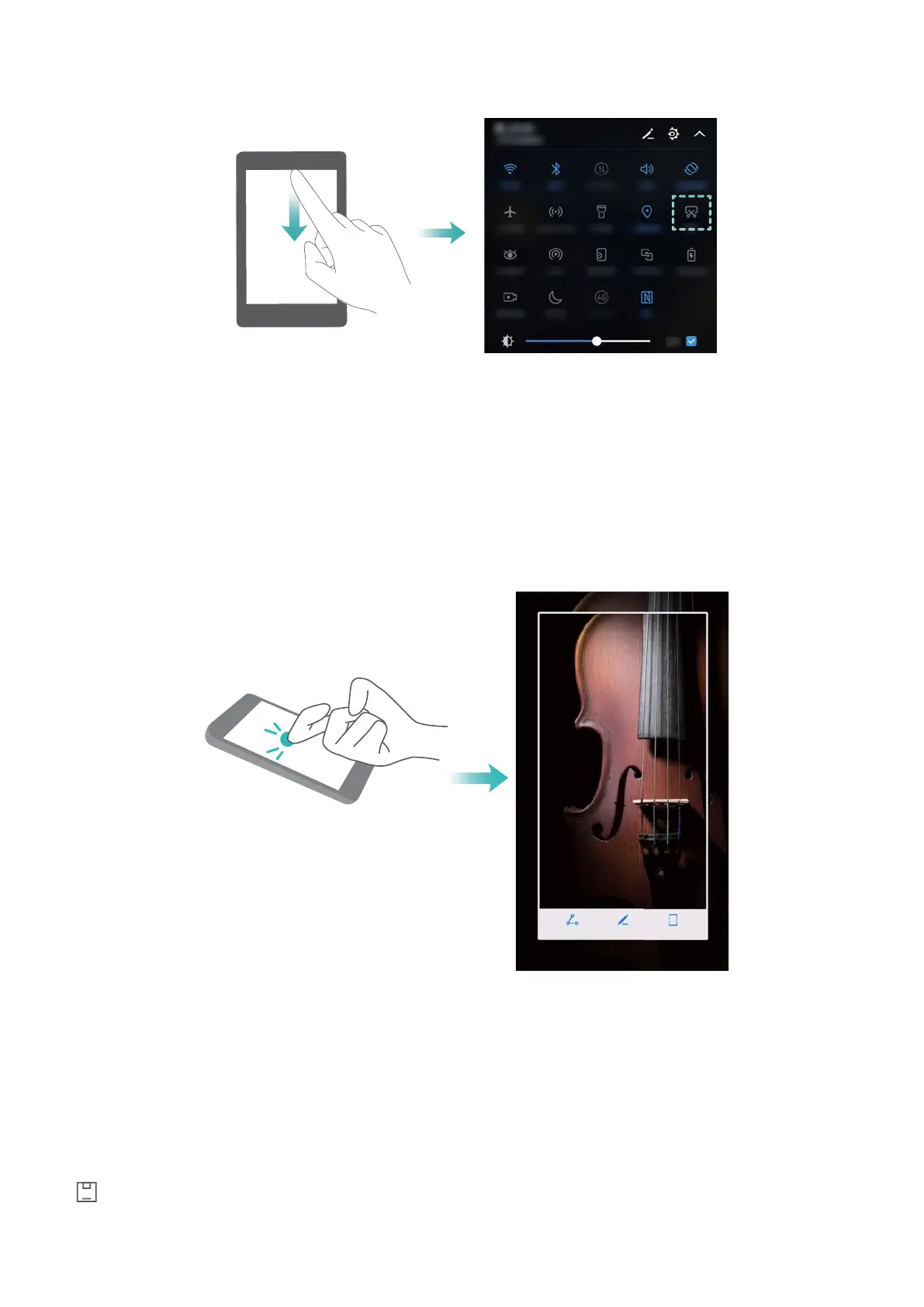
Using your knuckle to take a screenshot
To take a screenshot of the whole screen, knock the screen twice with your knuckle.
Capturing part of the screen
This feature allows you to capture part of the screen and save it as an image.
Knock the screen with your knuckle. Keep your knuckle on the screen and draw the area you
want to capture. The area inside the blue line will be captured.
To use a predefined shape, select the screenshot box at the top of the screen, and then touch
to save the screenshot.
Screen and Display
26



 To Next Page