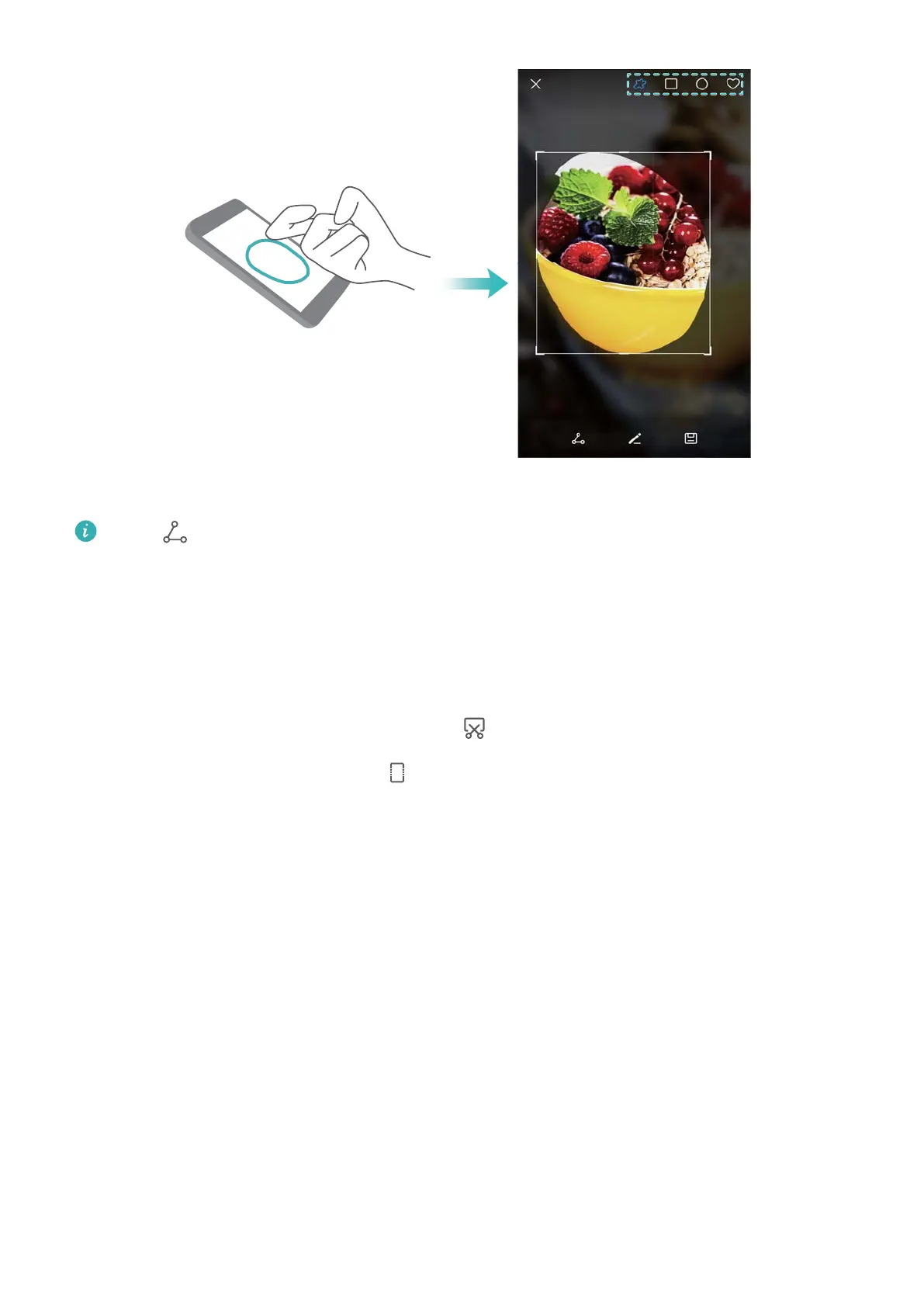
By default, screenshots are stored in Gallery, within the Screenshots folder.
Touch to share a screenshot.
Taking scrolling screenshots
Use knuckle gestures or scrolling screenshots to capture content that does not fit on the screen.
This is useful for sharing chat conversations, web pages, or large images.
Using the shortcuts tab
1 Open the notification panel, and then touch to take a standard screenshot.
2 After taking the screenshot, touch to take a scrolling screenshot.
3 The screen will scroll down automatically as your device captures a screenshot.
Screen and Display
27



 To Next Page