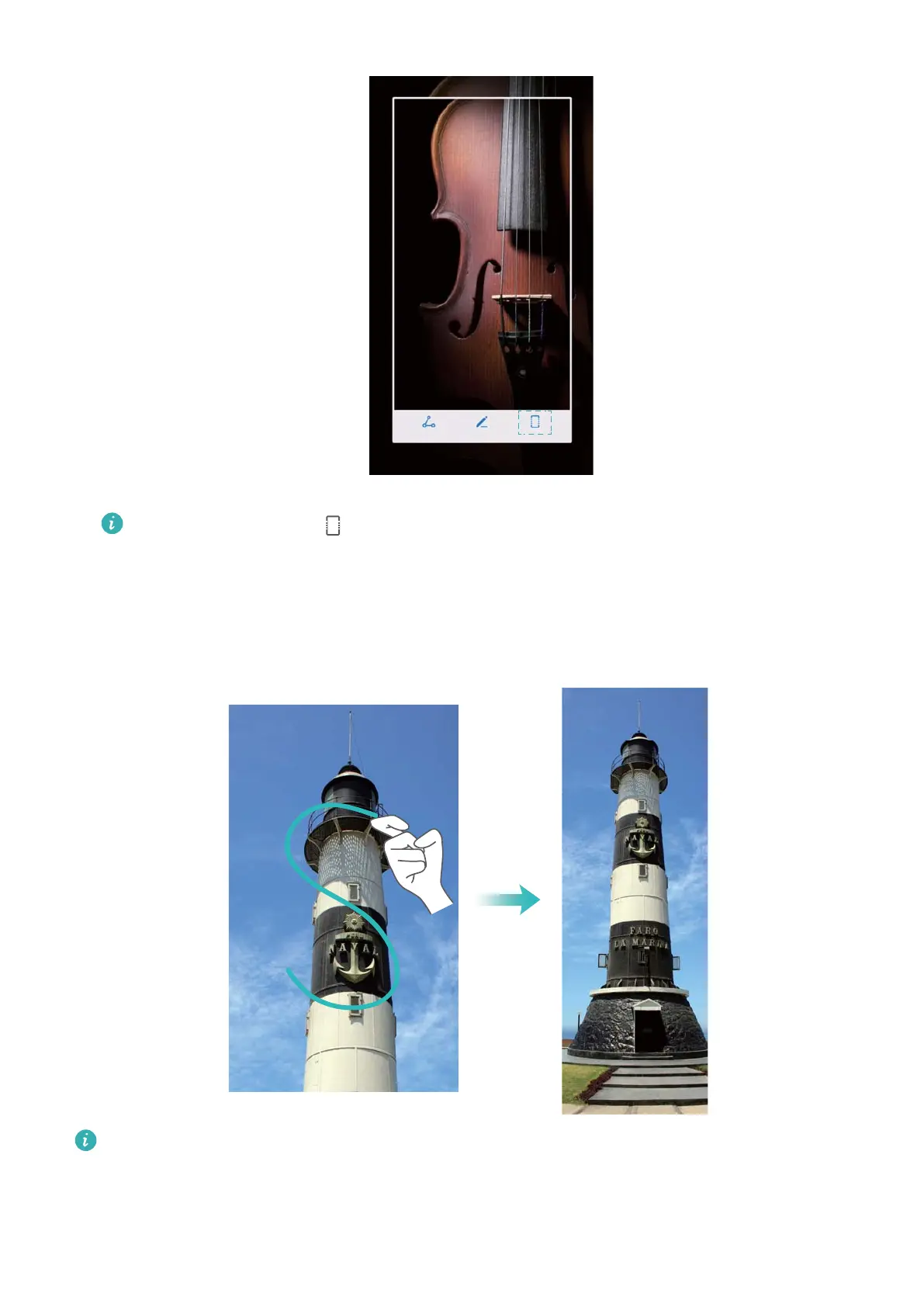
Ensure that you touch within 3 seconds of taking the screenshot.
Using your knuckle
Knock the screen with your knuckle and hold it down. Draw an "S" shape on the screen and lift
your knuckle. The screen will scroll down automatically as your device captures a screenshot.
Touch the screen to stop scrolling and capture the previous content.
Viewing, editing, deleting, and sharing screenshots
Screen and Display
28



 To Next Page