Viewing screenshots
1 Open Gallery.
2 On the Albums tab, touch Screenshots to view your screenshots.
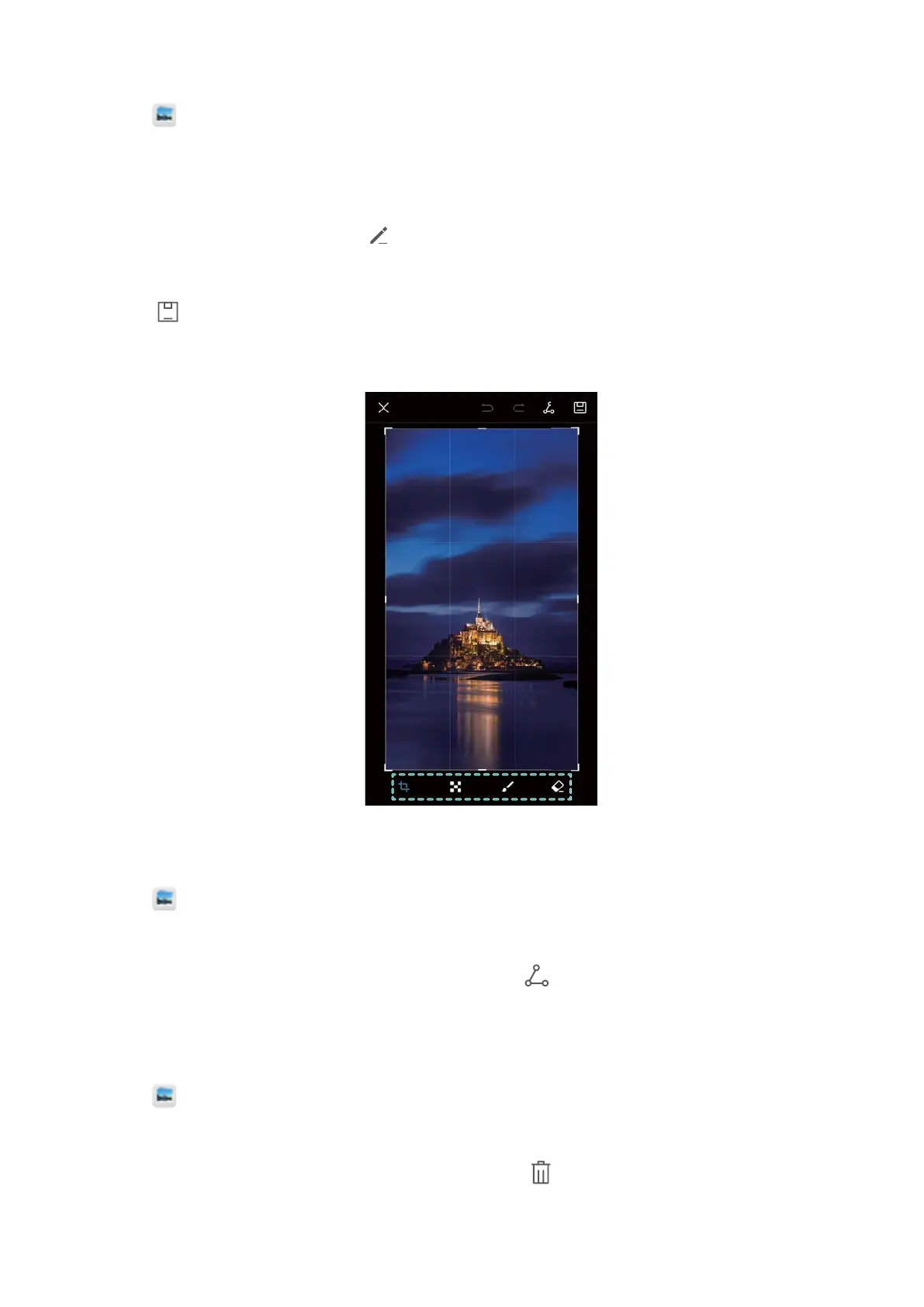
Editing a screenshot
1 After taking a screenshot, touch .
2 Choose the desired options to edit the image.
3 Touch
to save the changes.
Sharing a screenshot
1 Open Gallery.
2 On the Albums tab, touch Screenshots.
3 Select the screenshot you want to share and touch .
4 Choose how you want to share the screenshot and follow the onscreen instructions.
Deleting a screenshot
1 Open
Gallery.
2 On the Albums tab, touch Screenshots.
3 Select the screenshot you want to delete and touch .
Screen and Display
29



 To Next Page