81
Getting Ready
Lock Screen
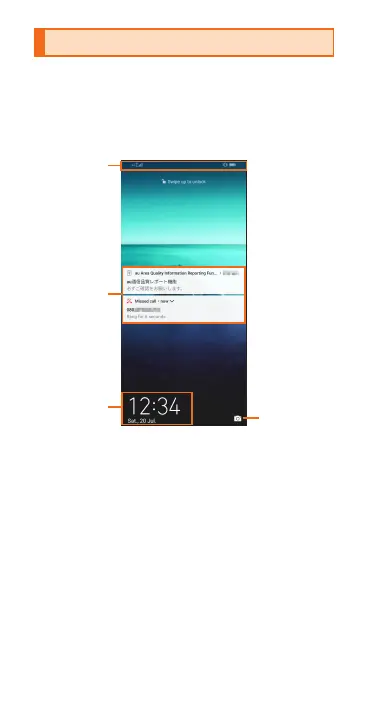
This screen is displayed when turning the
power on or the sleep mode is canceled.
On the lock screen, you can check the
date and time and notication information
as well as use the camera shortcut.
a
b
New information such as a missed call
etc.
c
d
Swipe up to launch camera.



 To Next Page