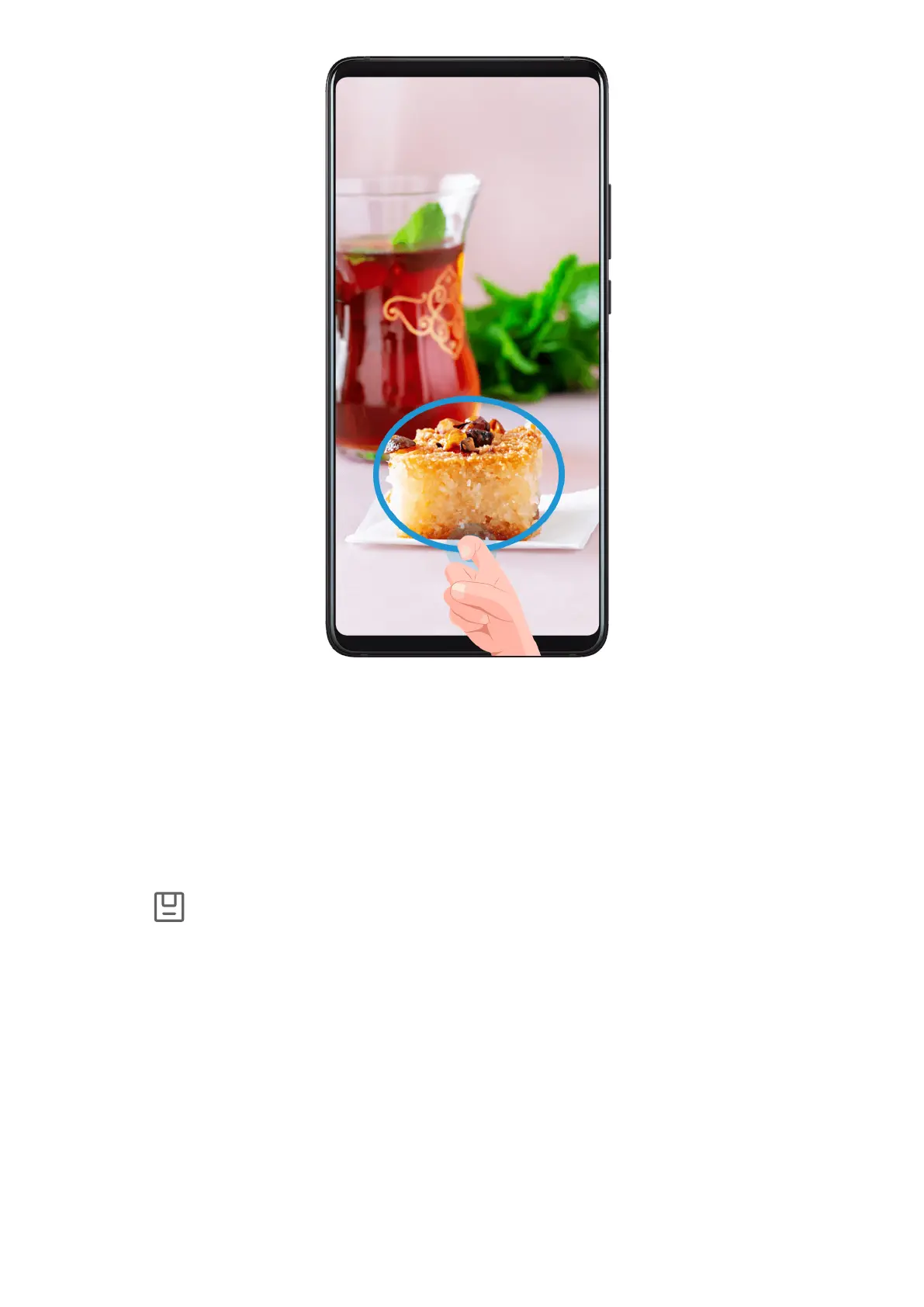
1 Knock on the screen with a knuckle and hold to draw an outline around the part of the
screen that you want to capture. Make sure that your knuckle does not leave the screen.
2 The screen will display the movement trajectory of your knuckle and take a screenshot of
the selected area. You can then:
• Drag the frame to the desired position or resize it.
• Touch a shape icon to determine the shape of the partial screenshot, or retain the
current shape.
3 Touch
to save the screenshot.
Adjust Sound Settings
Adjust Sound Settings
Press a Volume Button to Adjust the Volume
Press the Volume up or down button to adjust the volume.
Press the Power Button to Mute Your Device When It Rings
When your phone rings for an incoming call or alarm, you can press the Power button to
mute it.
Essentials
10



 To Next Page