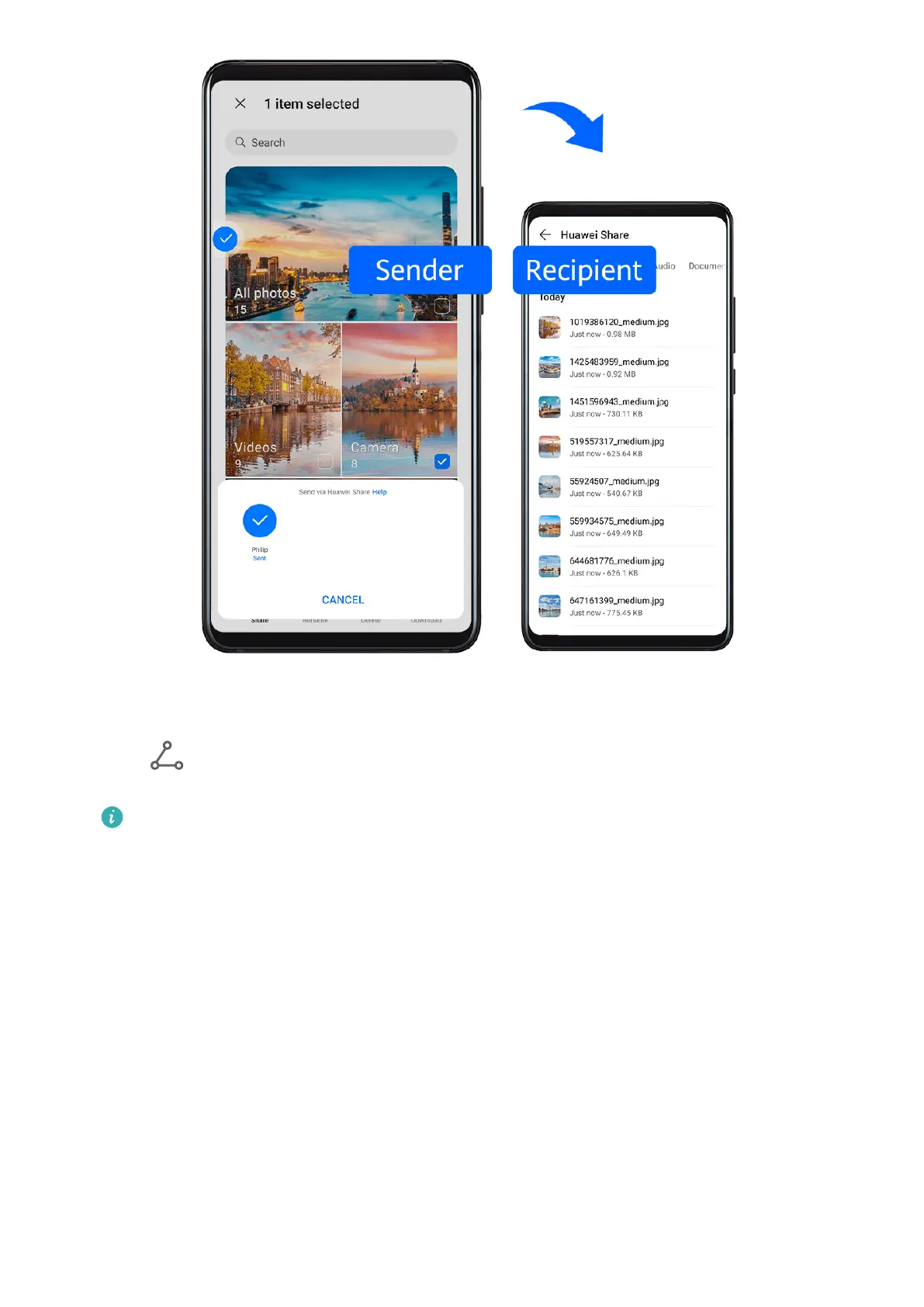
1 On the receiving device, enable Huawei Share.
2 On the sending device, touch and hold to select a le or album you want to share, then
touch . Touch Huawei Share, then touch the icon of the receiving device to send the
le.
These steps may be dierent if you are sharing les directly from an app.
3 On the receiving device, touch ACCEPT to accept the transfer.
To view the received les, open Files, search for and access the Huawei Share folder, then
you can view received les.
You can also view the received images or videos by going to Gallery > Albums > Huawei
Share.
Share Files Between Your Phone and Computer with Huawei Share
You can use Huawei Share to easily share les wirelessly between your phone and a
computer (Windows or macOS).
Smart Features
40



 To Next Page