HUAWEI MC850/MC851 Media Phone User Guide 3 Preparations Before Use
13
Connecting to a Wi-Fi Network
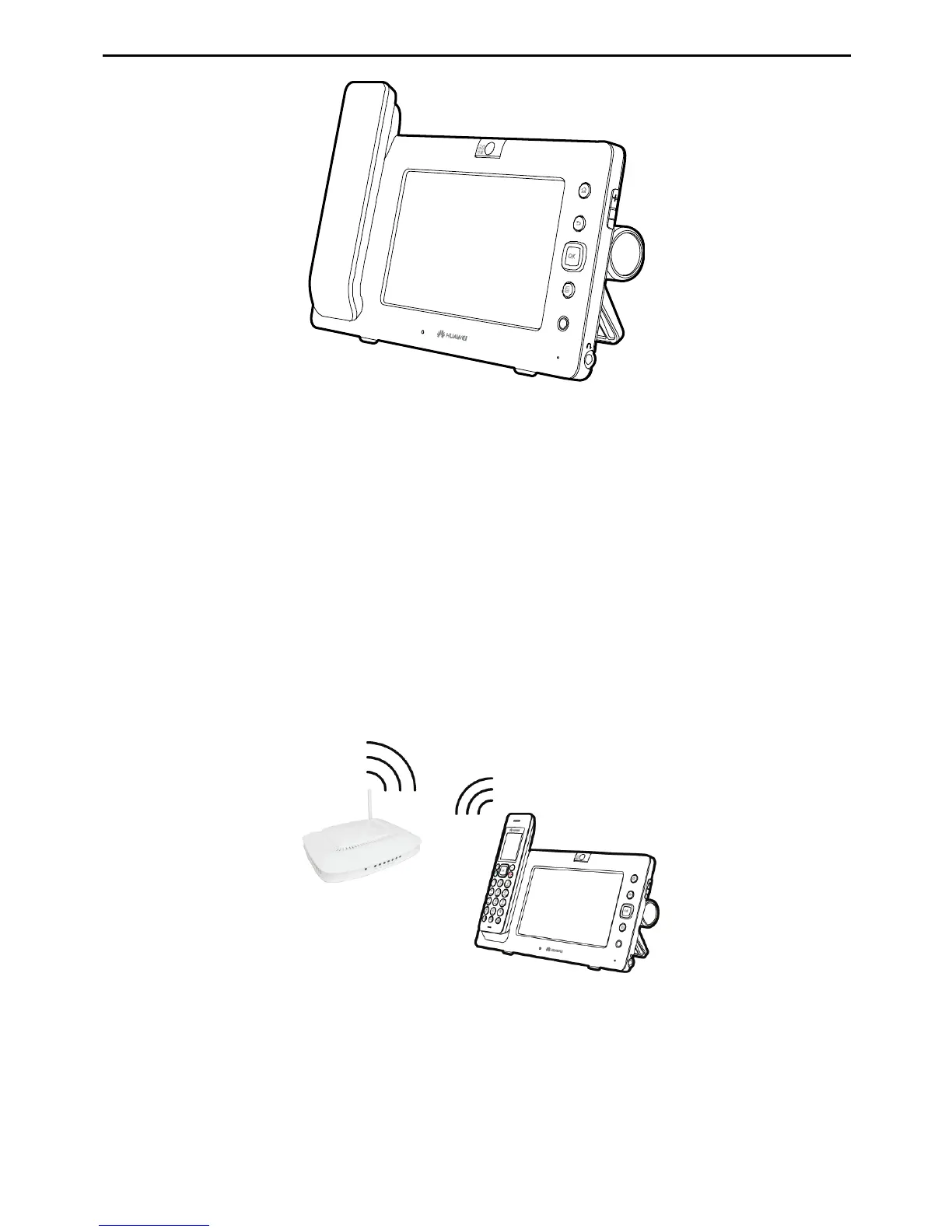
The media phone supports two modes for accessing a broadband network: through a
wired network or through a wireless network. By using the Wi-Fi function, you can
access a broadband network through a wireless network.
Before accessing the Wi-Fi network, check the following:
z
Your network access device (such as a home gateway) supports the Wi-Fi function
and allows access of wireless devices.
z
Between the media phone and the wireless access device to be connected, there is
no obstacle and the distance is within the coverage of the Wi-Fi signals of the
device.
After accessing the Wi-Fi network, you will see an icon indicating the Wi-Fi signal
strength in the status bar on the top of the touchscreen. The following table describes
the icons for signal strengths.



 To Next Page